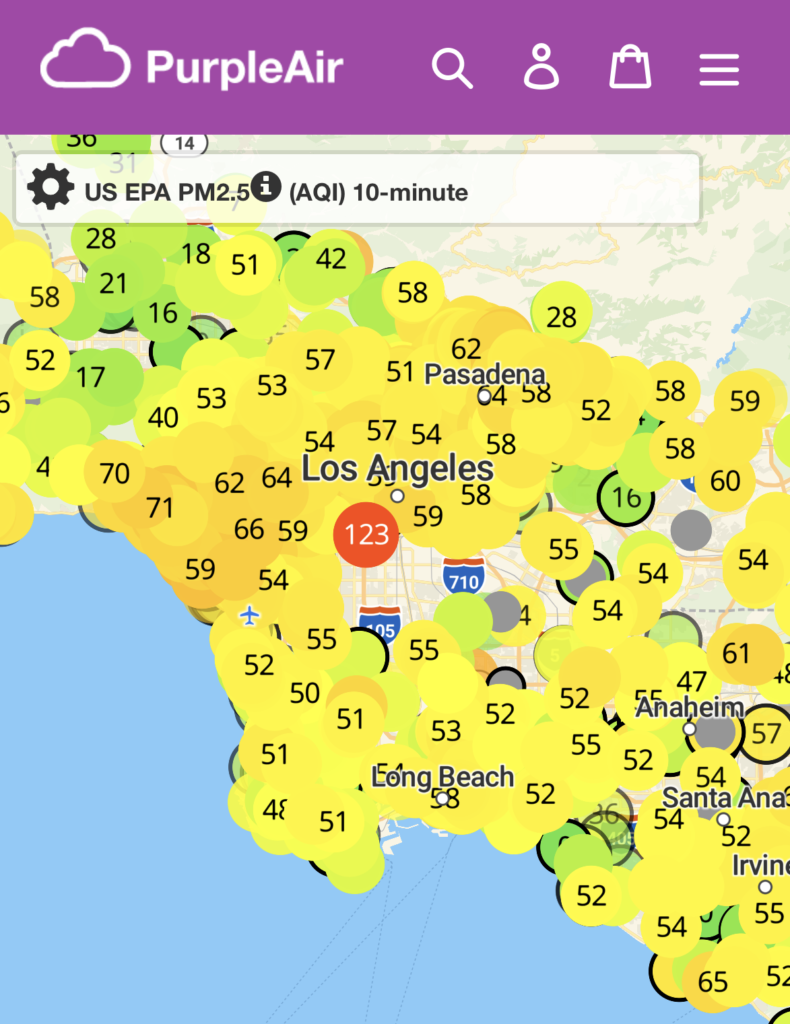
We have had a PurpleAir PA-II on our back porch for years. It works fine. The problem is that checking it requires going online to look at a map to find ours.
What I wanted was a small device that is green when the air is fine and turns other colors when it’s worse. Here in LA between smog, wildfires, structure fires, and fireworks, the air quality is all over the place.
No specific numbers needed, just a color that gives us a good sense of what’s in the air.
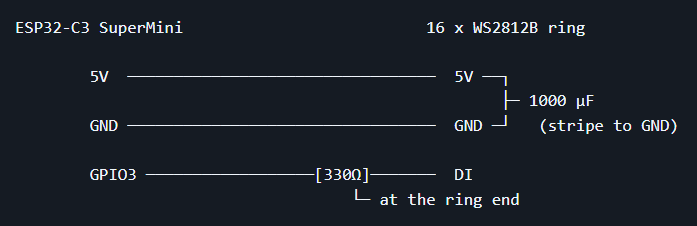
The device is about as simple as it gets, a 16-LED WS2812B ring driven by an ESP32-C3 SuperMini, running ESPHome. It polls the PurpleAir over the home network every few minutes, computes the AQI, and shows the result as a color.
Nothing leaves the house. No cloud service, no API key. The PurpleAir has a local JSON endpoint that’s simple to query.
If the internet goes down, the light keeps working, good for a device whose job is to tell you about a wildfire.
Building it seemed pretty straightforward: Get parts, write a little code, test it, make an enclosure.
The parts are crazy cheap. The ESP32 was ~$4 and the LED ring was ~$5. A capacitor and resistor for the minimum of circuit board protection.
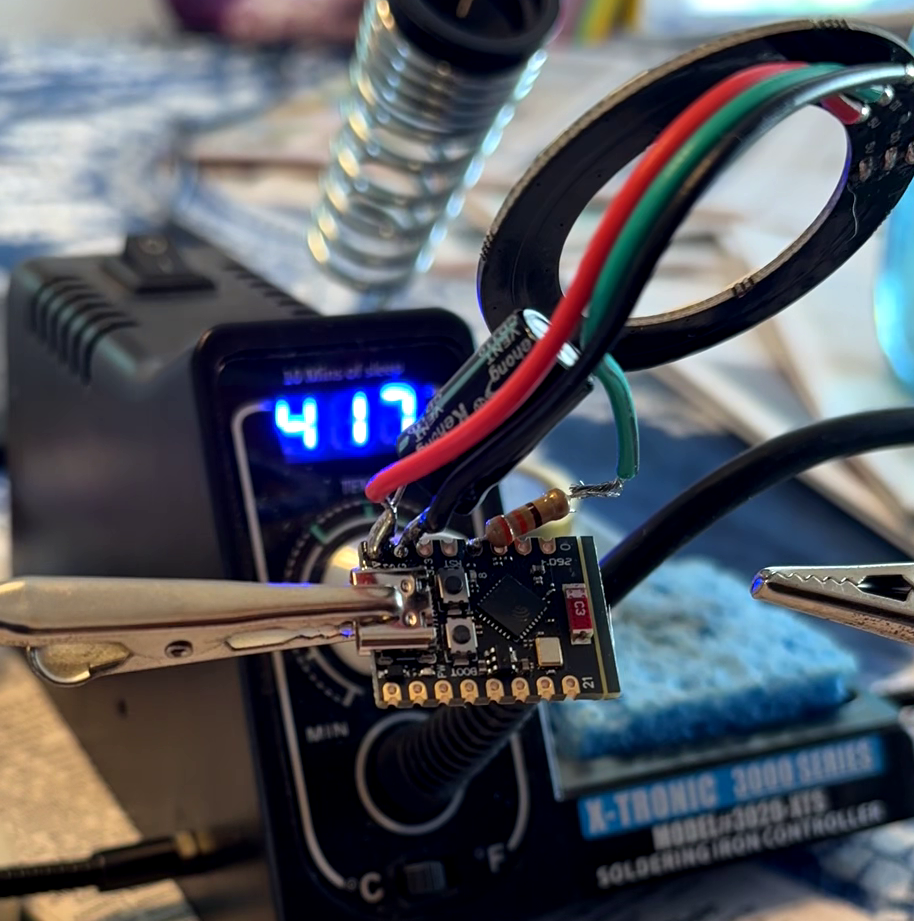
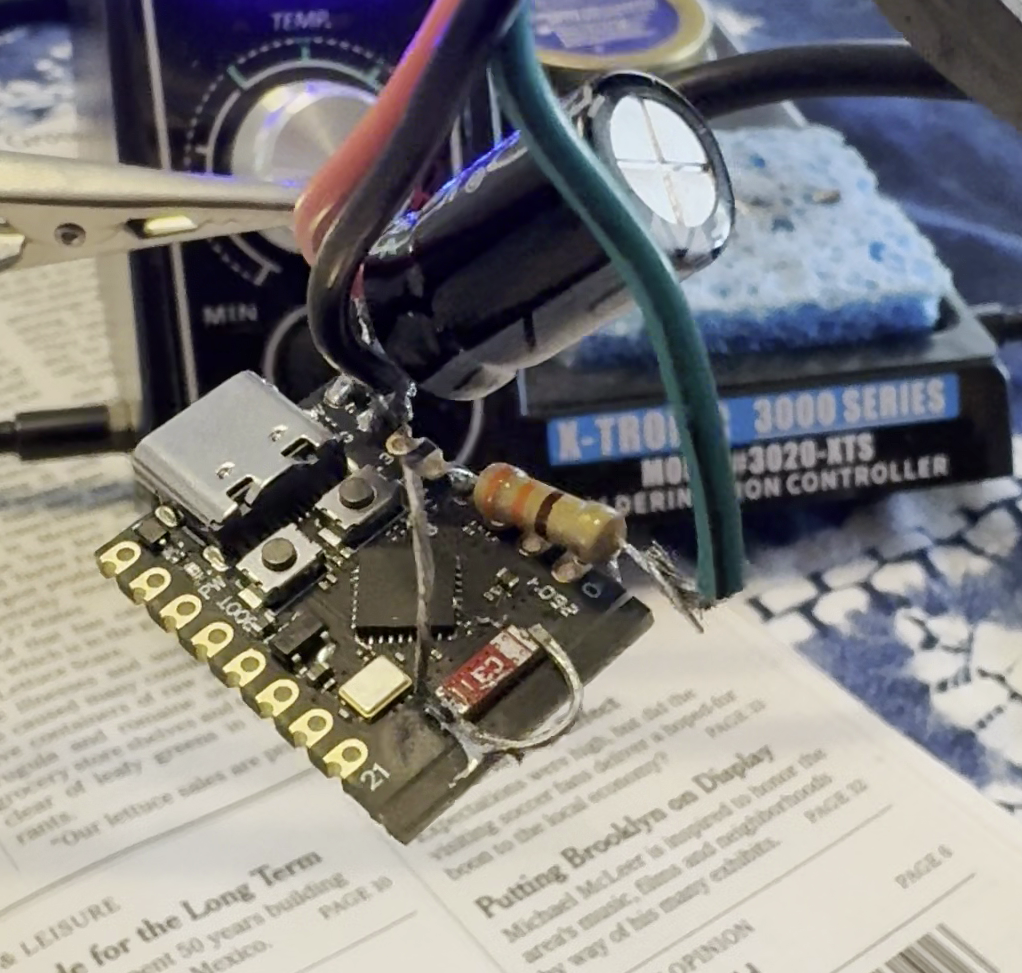
My soldering is an abomination, mainly because I didn’t want to build it on a breadboard. The resistor and capacitor are just kind of floating in the air.
I leaned on Claude for the coding. After flashing the ESP32 with ESPHome, Home Assistant was able to see it easily.
We made the color a gradient, shifting into the next color as the AQI increased instead of six distinct steps: green -> yellow -> orange -> red -> purple -> maroon. I set it to shift to lowest brightness at night to avoid lighting up the room.
I did learn that the PurpleAir sensor is also running a tiny processor and doesn’t always respond to the HTTP request for JSON. Evidently, when it’s uploading every two minutes to the PurpleAir map, it ignores everything else. The code is set to be OK with this and retry as needed.
After getting it up and running, I found that the ESP32-C3 SuperMini’s onboard wifi antenna is bad. Not marginally bad, bad bad.
The signal strength was so bad the device was unusable when in the dining room.
The fix is a sweet hack: solder a 31 mm piece of wire to the existing antenna endpoints. 31 mm is a quarter wavelength of the 2.4 GHz wifi signal.
I tinned a wire, bent it into shape, and soldered it onto the ESP32.
Amazingly, it worked with the Ashlight residing in the dining room.
If I were doing this over, I’d get an ESP32 with the U.FL connector for an external antenna and a small flexible patch antenna. Lesson learned.
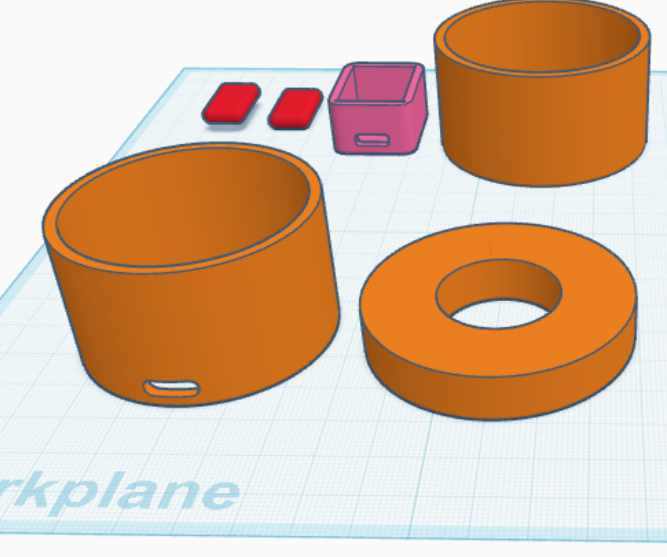
For the enclosure, I couldn’t find something online that fit the bill, so I built something in Tinkercad.
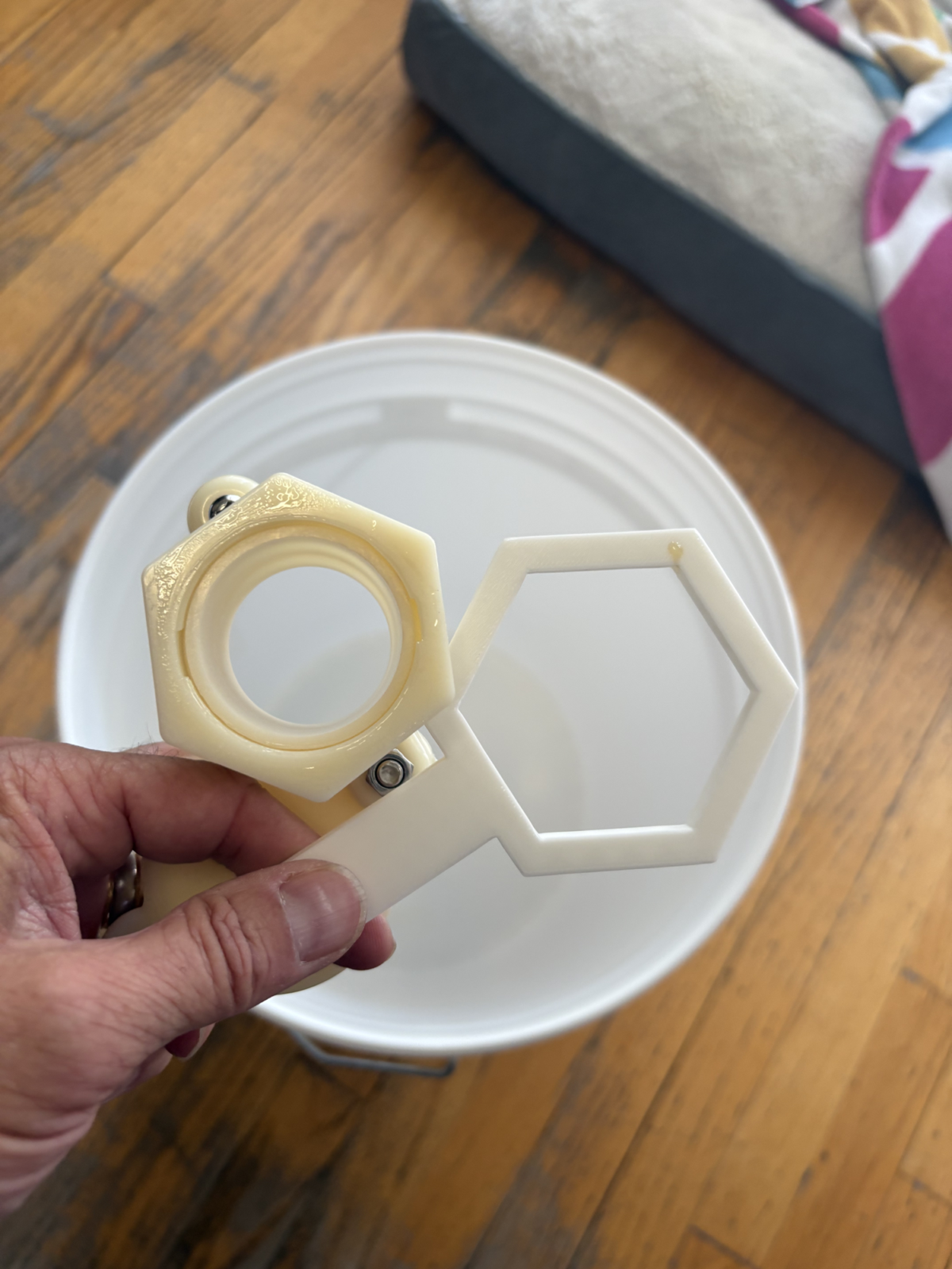
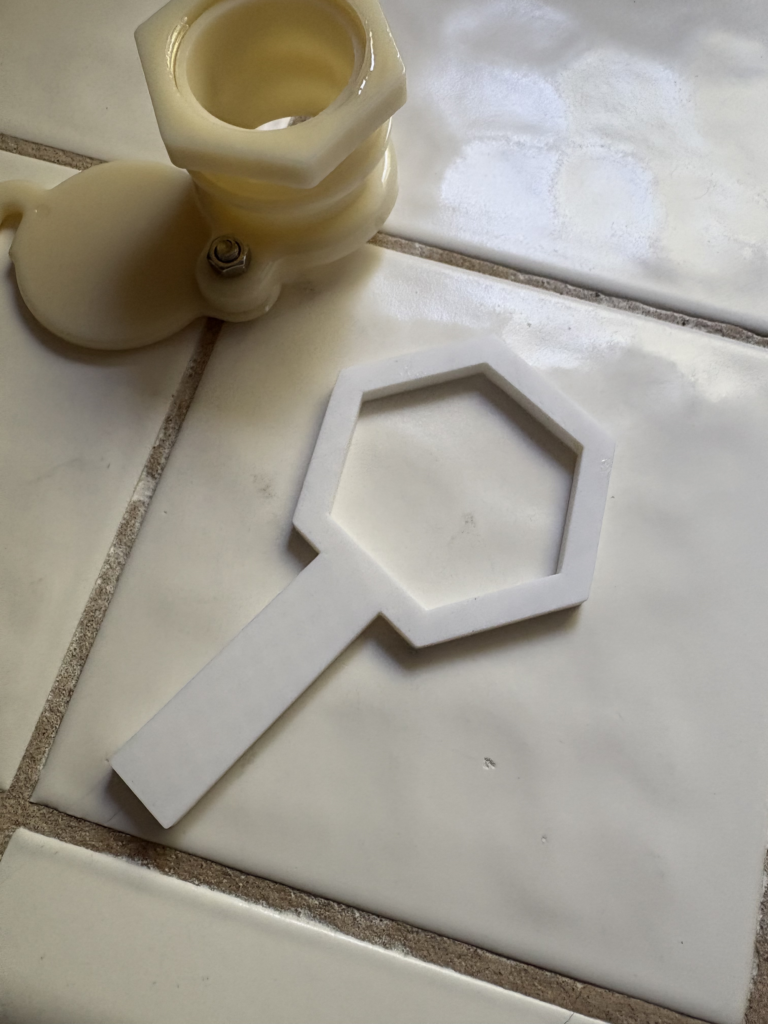
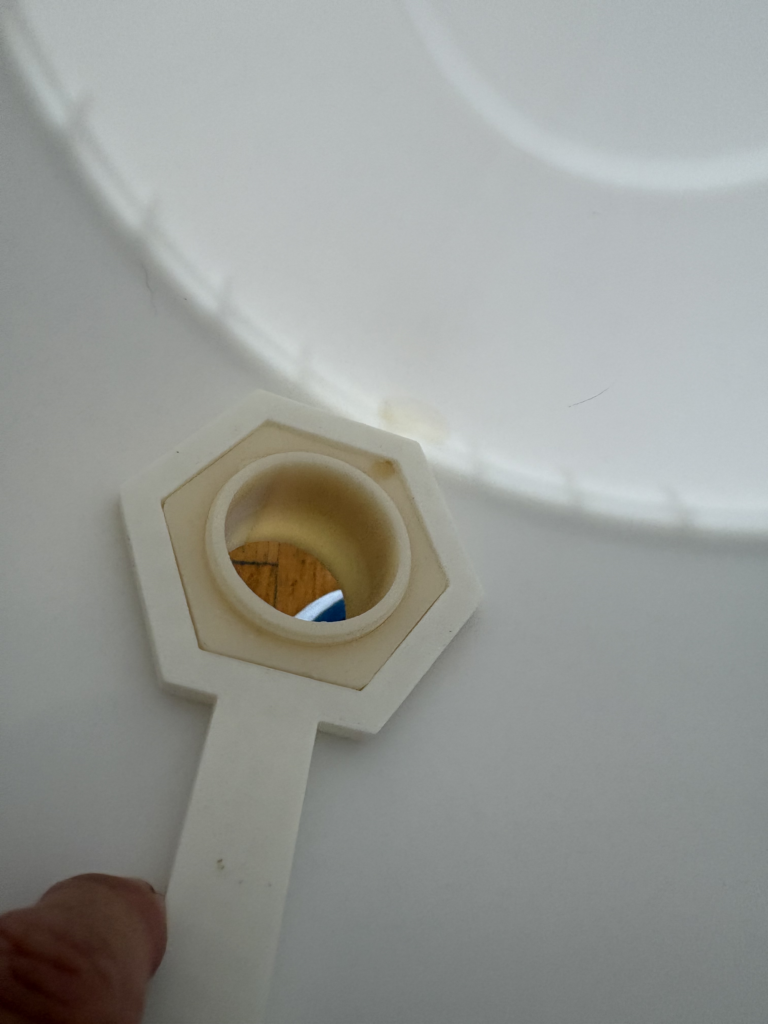
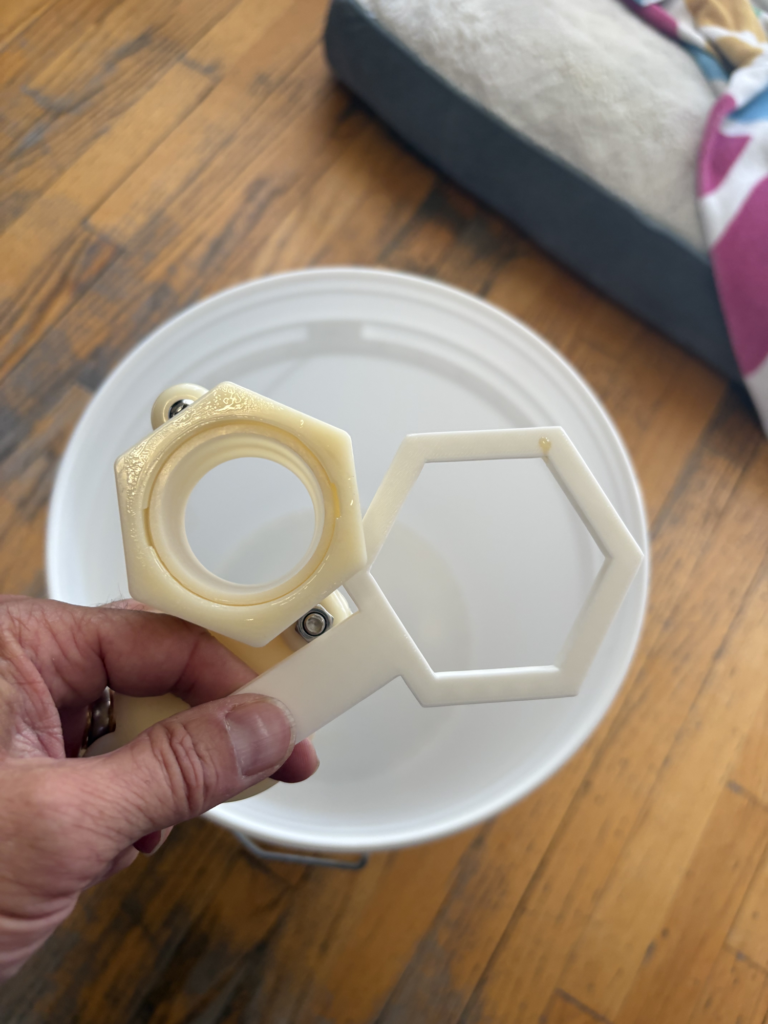
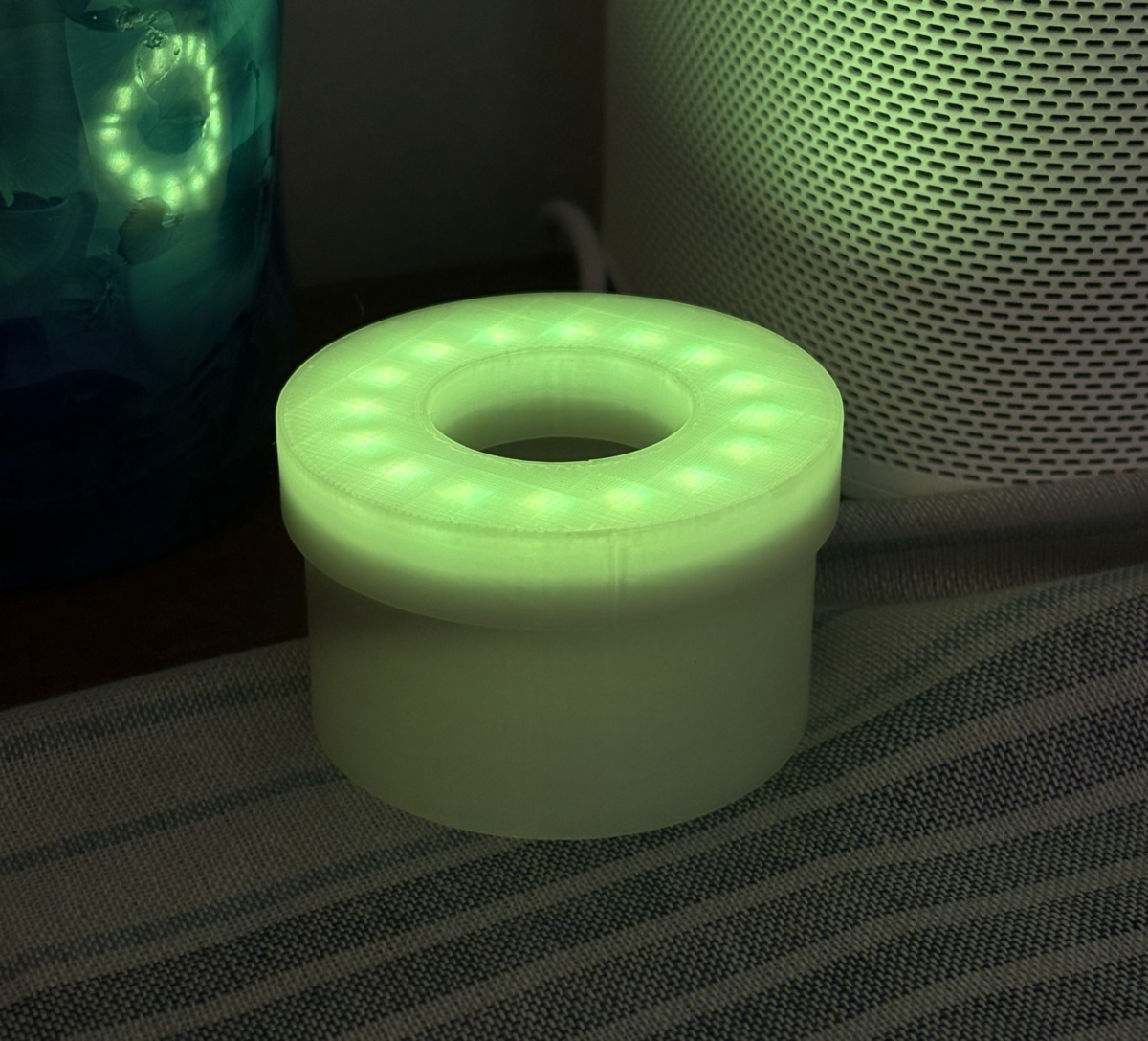
I wanted to use a translucent PLA, but the closest I had on hand was some glow-in-the-dark PLA. A little more finicky to print with, but it ended up working out. It’s a super simple enclosure with a hole for the USB-C cable to bring in power. Here are the STLs I designed.
The lid is just a friction fit, but holds together nicely.
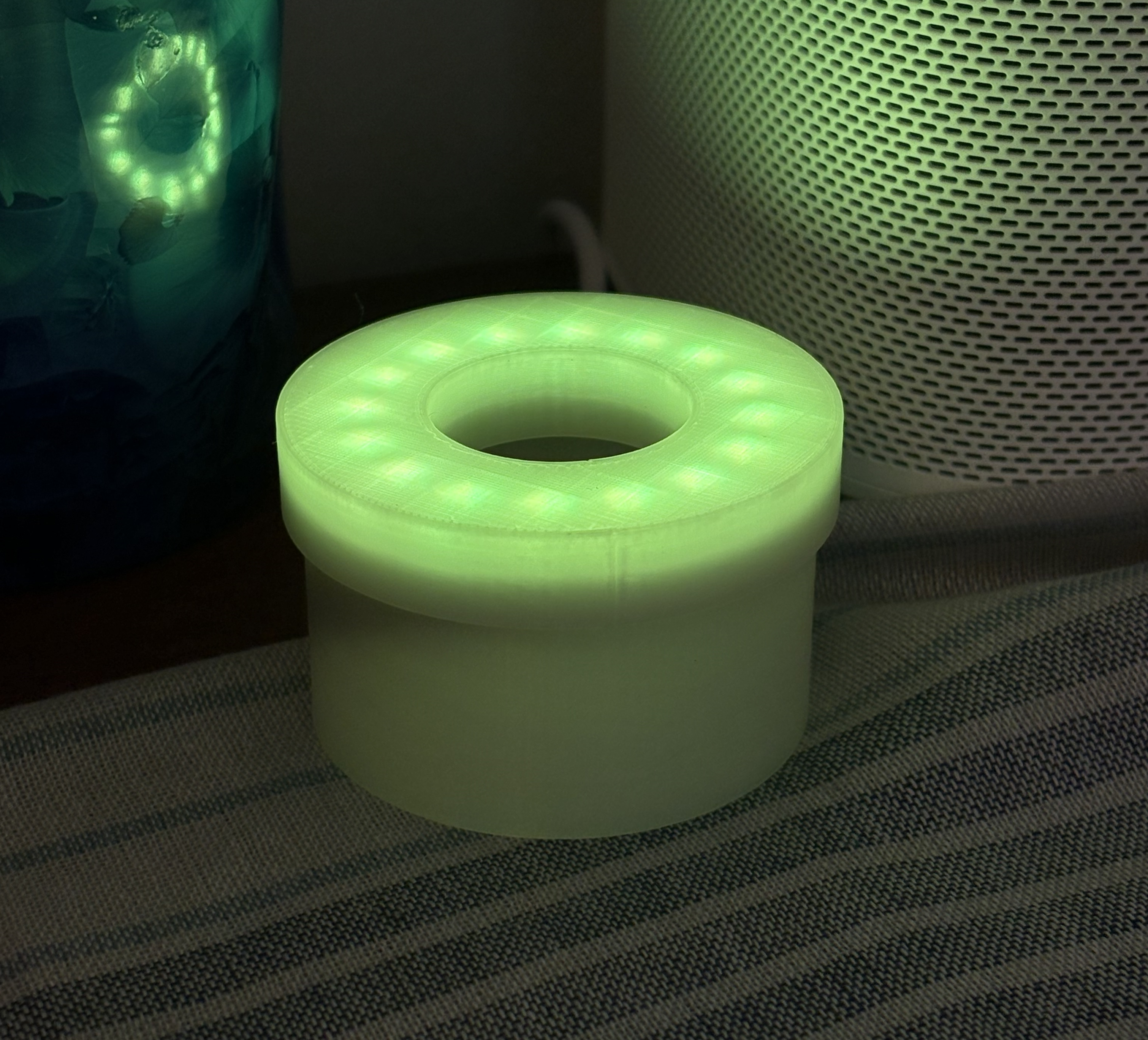
Ashlight is in the dining room, glowing a pale yellow-green. In the morning, Michele and I read the paper and drink coffee there, so it tells us what to expect at a glance.
An ambient lamp that shows outdoor air quality as a color. It polls a PurpleAir PA-II on the local network, computes AQI, and renders the result on a 16-LED ring. Code is on GitHub at github.com/cruftbox/ashlight.
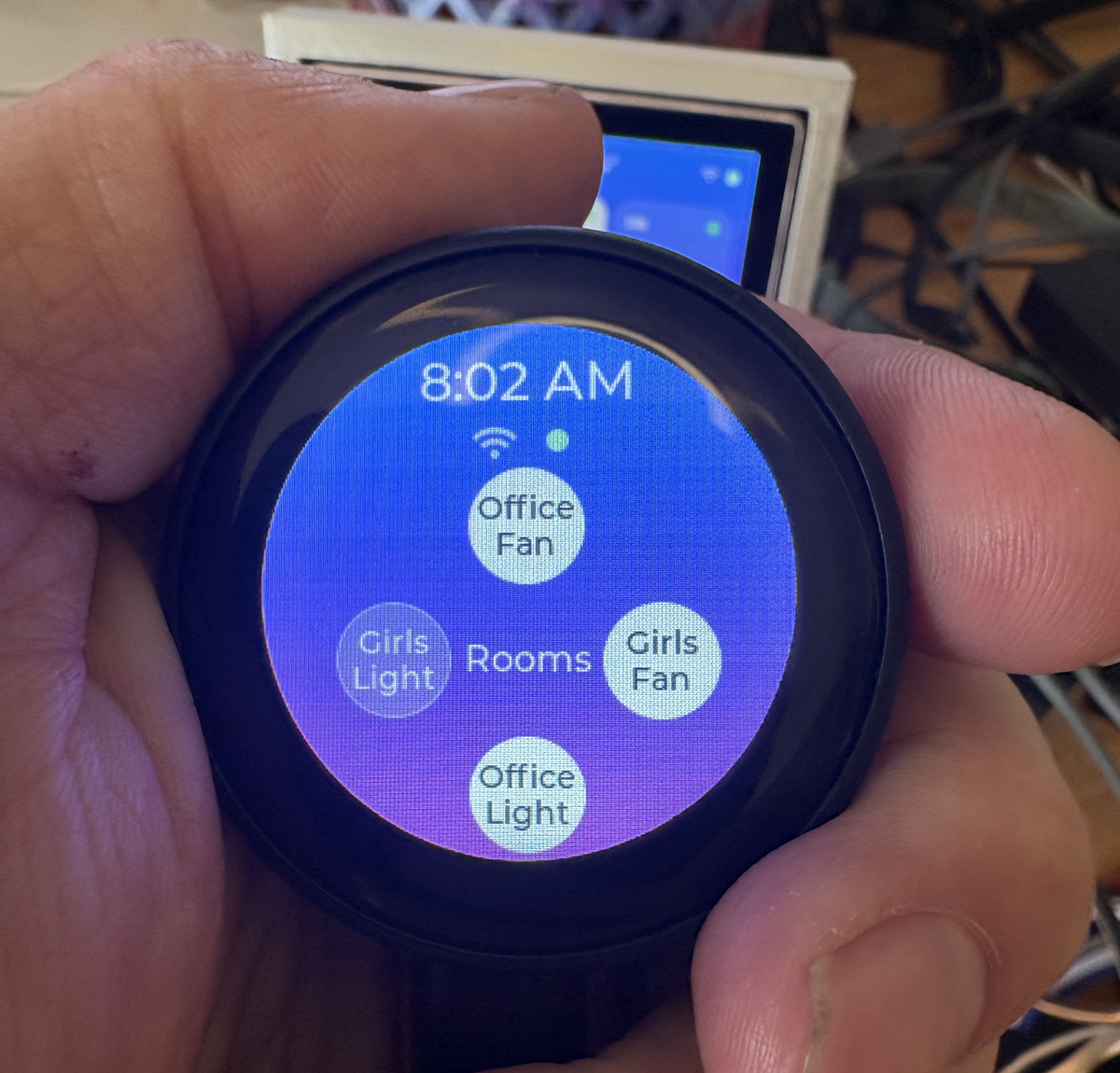
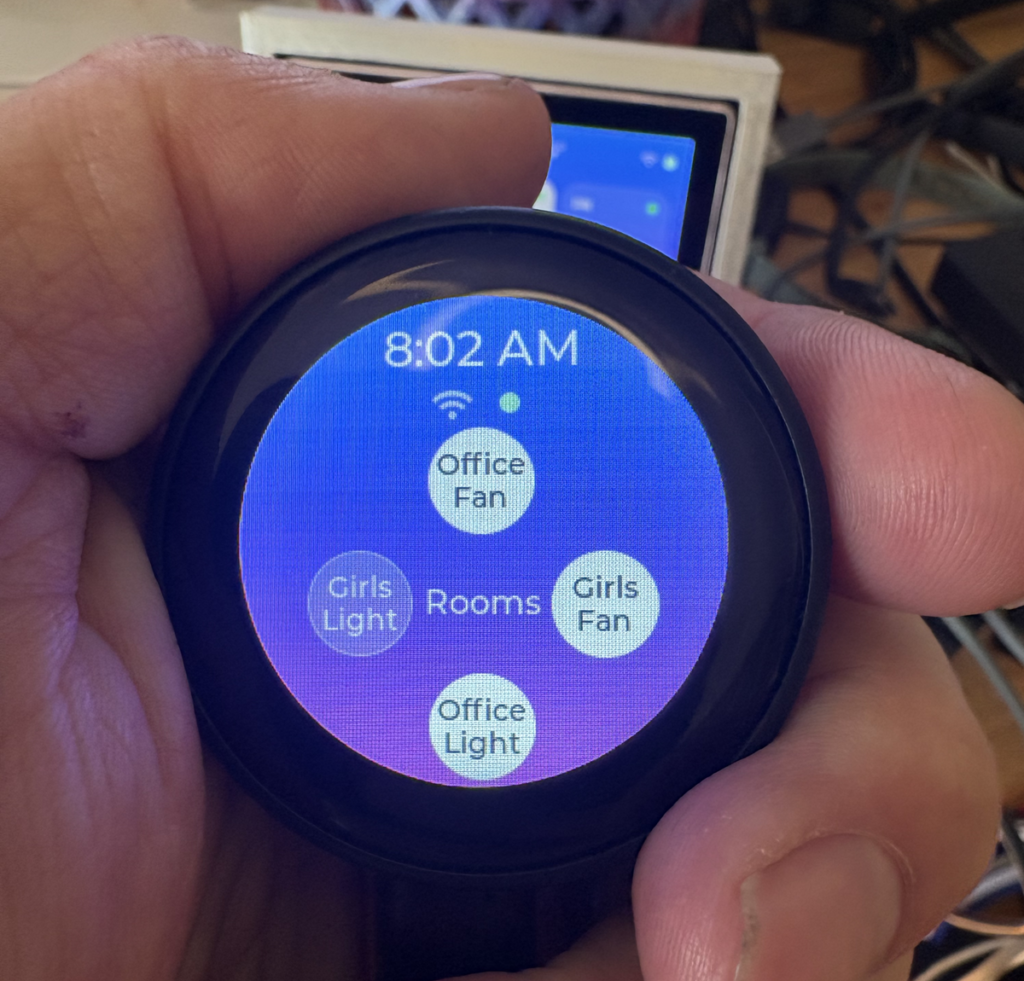
I saw another inexpensive ESP32 device on Aliexpress and decided to see if it would work well as a smart home controller like Tessera.
The ESP32 display has wifi and Bluetooth, is about 1 3/4 inches in diameter, and has a roughly 240×240 screen.
The code conversion was fairly simple, mainly focused on the display and putting in swipe functionality. Claude did the heavy lifting.
Didn’t turn out as useful as the square panel Tessera I built previously.
The round form factor made designing a stand for it more difficult. When I did get something to work, it just didn’t have a good tactile feel and felt like a chore to use. Also, getting a stand design that allowed me to plug in and route a USB-C cable for power was a bit of a headache.
I’ve gotten into the habit of asking AI assistants like Claude, ChatGPT, and Gemini to review my draft posts before I hit publish. A second pair of eyes catches typos, confusing phrasing, and the occasional bad take. The problem was getting them to actually see the draft.
WordPress’s Public Post Preview plugin, my previous go-to, generated preview URLs that a human could click in their own browser, but AI assistants would balk at the link token style. The work around was creating a PDF of the preview and handing that off. That was clunky, took time, and I am lazy.
So I built my own plugin: LLM Friendly Preview. The idea is simple, generate a URL that looks and behaves like a completely normal public page (real theme templates, real styling, no ?preview=1), but is gated by a long, random, single-use token instead of a login session.
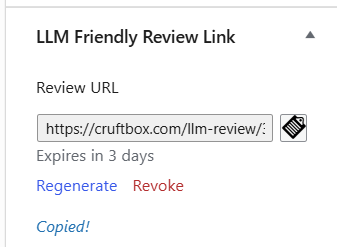
From the post editor, I click Generate LLM Review Link, and it hands me something like:
That link works for 3 days and then expires automatically. I can regenerate it or revoke it outright from the same panel, and it’s auto-revoked the moment the post actually gets published, so there’s no lingering way to view a draft that isn’t a draft anymore.
Under the hood it’s all standard WordPress: a rewrite rule, a token stored in protected post meta, time comparison for validation, rate-limiting by IP, and cache-busting headers so no caching plugin accidentally serves up unpublished content to a stranger.
Which LLMs actually work
Here’s where it got interesting. Once the plugin was live, I gave the same link to every the popular models to see who could actually fetch it.
Working: Claude, Gemini, Meta AI, Mistral, Kimi, DeepSeek, Qwen, Grok, HuggingChat, and Ernie Bot all fetch and read the page without issue.
Not working: ChatGPT, Perplexity, and Microsoft Copilot all fail to open the link.
ChatGPT’s failure is the one I actually tracked down: its web-retrieval system rejects newly generated URLs containing private tokens before it even makes an HTTP request. That’s not a bug in WordPress, the plugin, or the response headers. I confirmed the exact same URL returns a clean 200 with the correct content when fetched directly, even spoofing ChatGPT’s own user-agent string. It’s a deliberate caution built into ChatGPT’s URL-safety layer, and it’s exactly the kind of link this plugin is designed to produce: anonymous, temporary, and impossible to guess. Perplexity and Copilot weren’t diagnosed as thoroughly, but the failure pattern looks similar.
For everything else, it works exactly like I wanted: paste a link -> get a review.
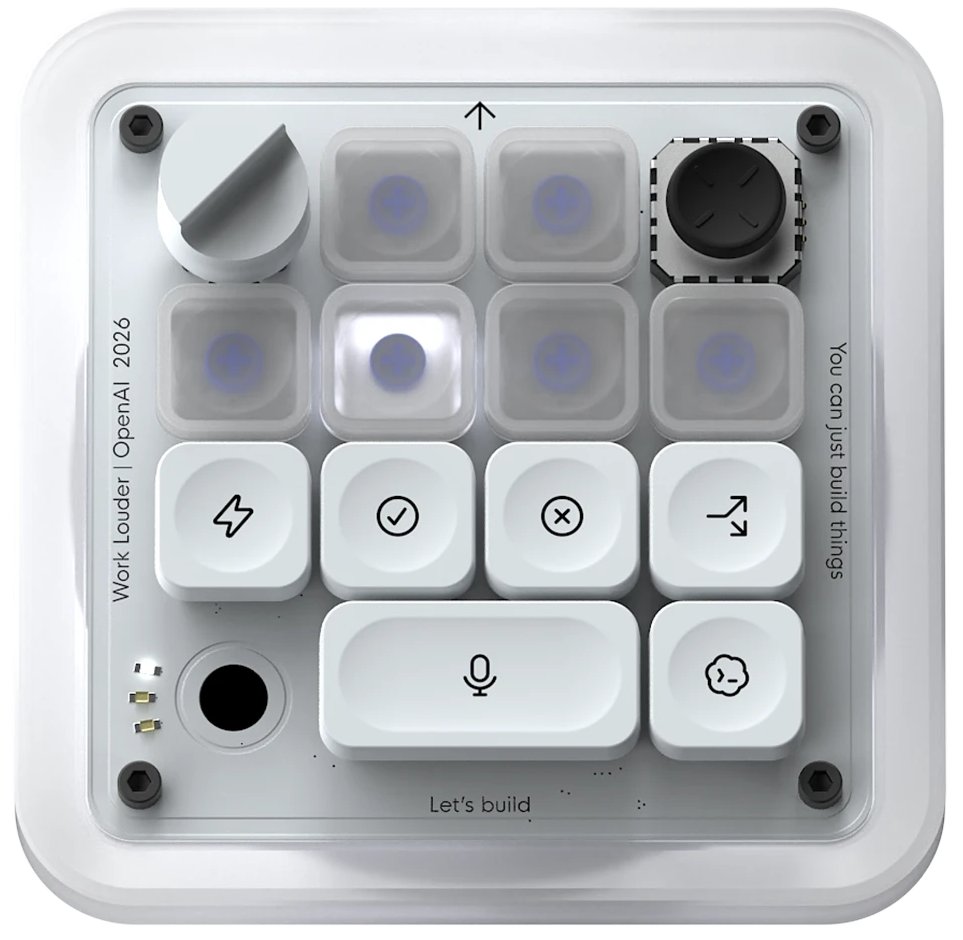
I love a good gadget, but I don’t use Codex much, nor do I need another device on my cluttered deck. The idea of using a button to grant or block permissions seemed great. Many run Bypass Permissions mode, but you do get asked occasionally.
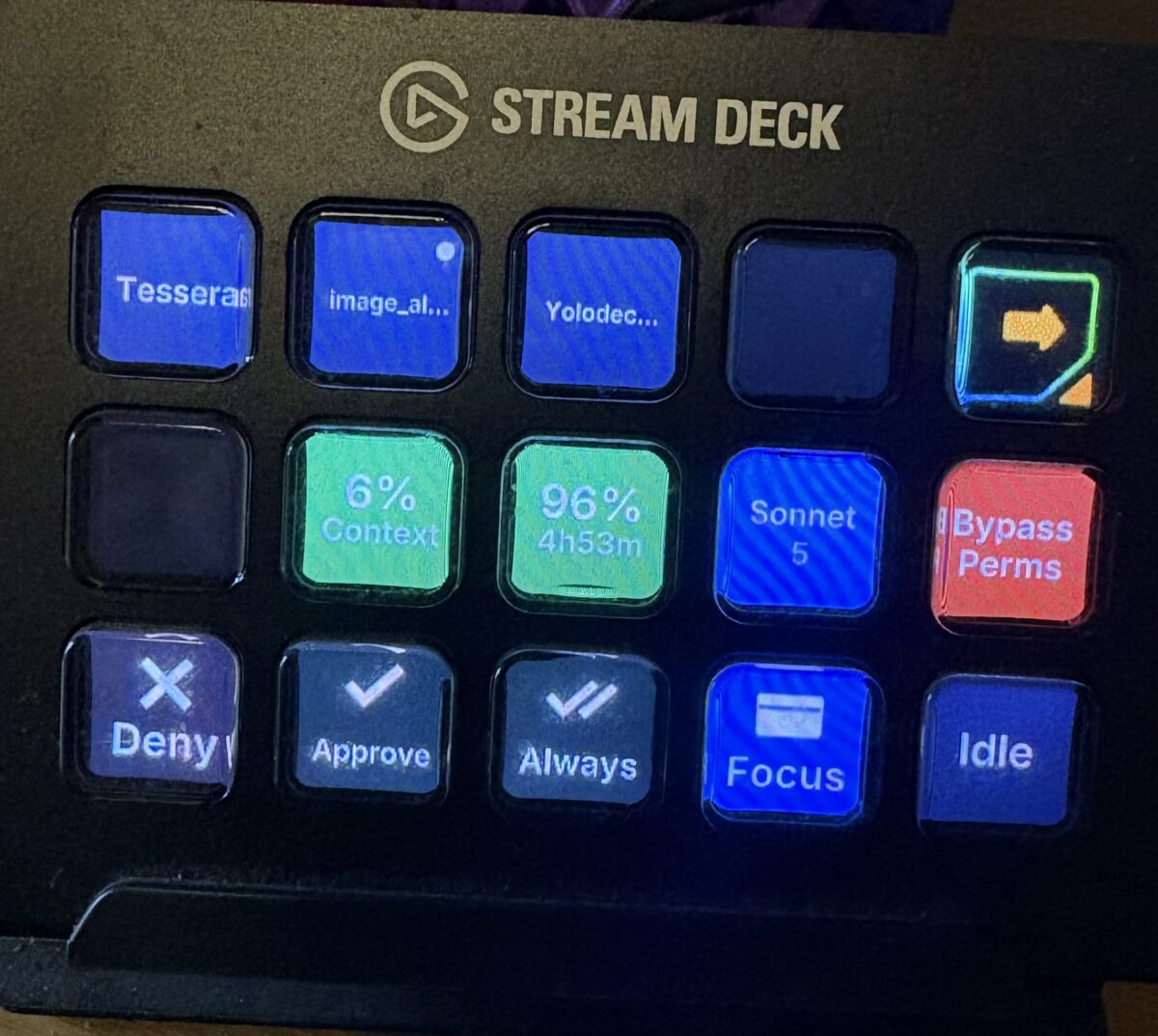
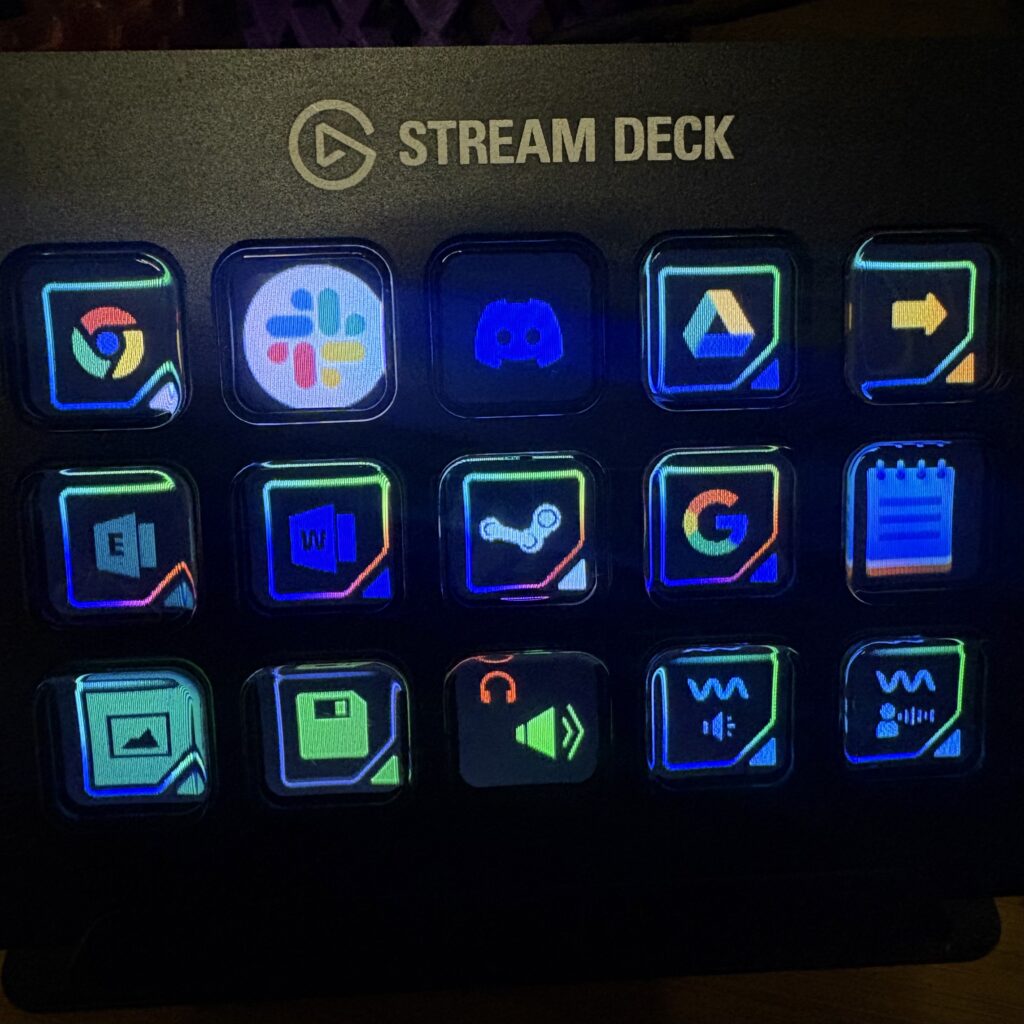
My desk already has an Elgato Stream Deck on it, so I wondered if it could be pressed into use as a similar device when I’m working with Claude Code.
I found a repo by Paul Tyng that had the basics working. His codebase is for macOS, but I work on Windows. So I forked it and worked with Claude to replace ~45 lines of macOS-specific code with Windows equivalents. Most everything else carried over unchanged.
Once I got the basics working, I tried to improve the button design a bit and then add a few features. First was getting a report of how much usage I had left for the session and when it would reset. Running off the Pro plan means having to pay attention to such things that leet Max users don’t have to worry about. I also switch between models, depending on the complexity of the tasks.
This is where I ran into the first issue with how the Claude desktop app on Windows works differently than when running a CLI in Windows Terminal.
From what I found in my testing, when you are running the nice GUI app, Claude kinda says you are running one session at a time. Even though switching between sessions/projects is simple in the app, the underlying hooks only report the single session that you last did active work in.
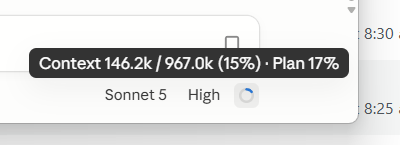
The second issue: when running the desktop app, there’s no usage data to gather, even though the GUI displays it.
This is weaksauce, IMHO.
Conversely, when running in a terminal, you can be running multiple sessions and yolodeck can see them all. You also get updated usage and reset data. Ideally, this behaviour would be in the Windows app as well, but it’s not.
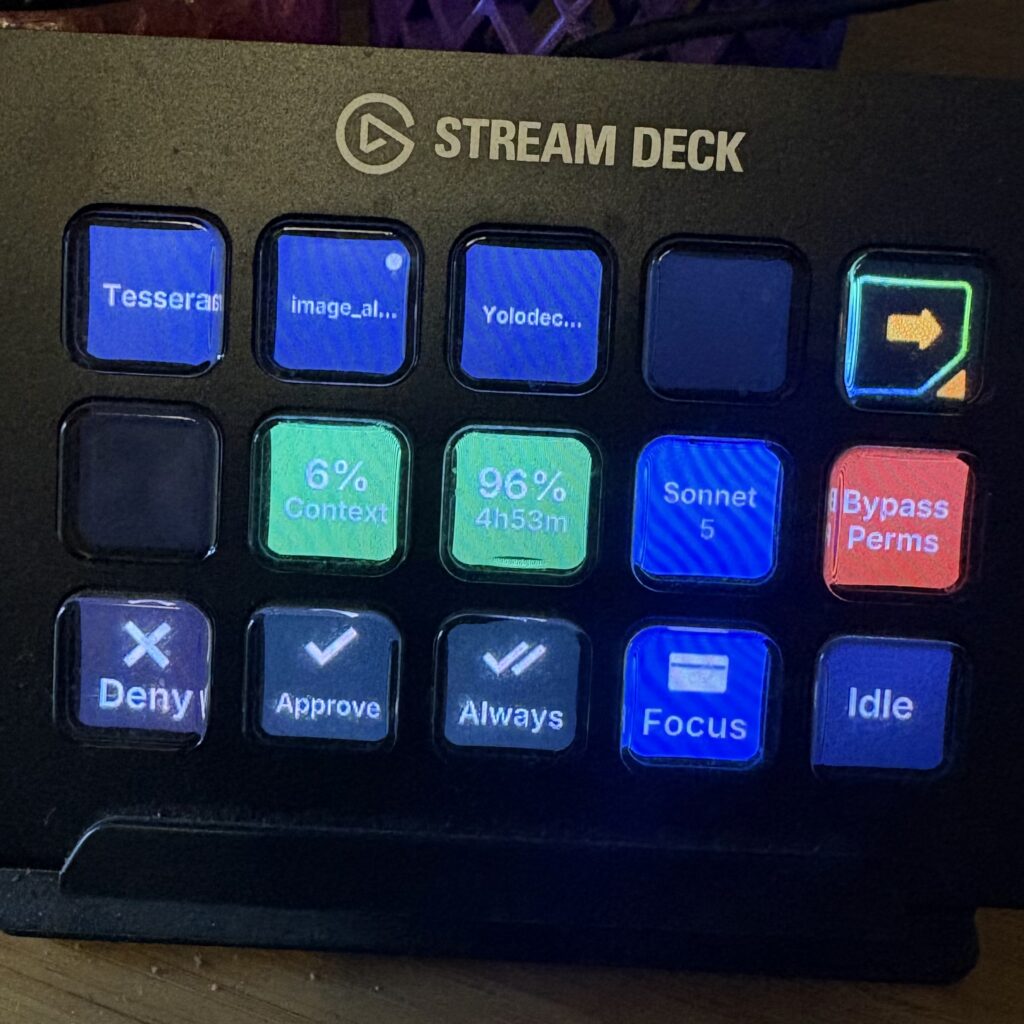
The Stream Deck lets you know when Claude wants your attention and allows you to approve/deny permissions.
The Stream Deck plugin allows you to place and use (or not use) any of the buttons as you see fit.
I don’t run an agent harness for my home projects, but bolting one on shouldn’t be too hard as long as it can hold open a permission request and wait for my answer, not just fire off a notification after the fact.
In fact, modifying the code to work with Codex or Gemini CLI should be fairly trivial.
I enjoy posting images to Bluesky and Mastodon, and I try to include alt text every time.
I got tired of writing a post, dragging the image into Bluesky, then into Mastodon, then into my other Mastodon account, and then having to go back to paste in the alt text for each account. Posts with multiple images were an even bigger headache.
To quote Heinlein, “Progress is made by lazy men looking for easier ways to do things.”
So I built a thing. It’s called Broadside.
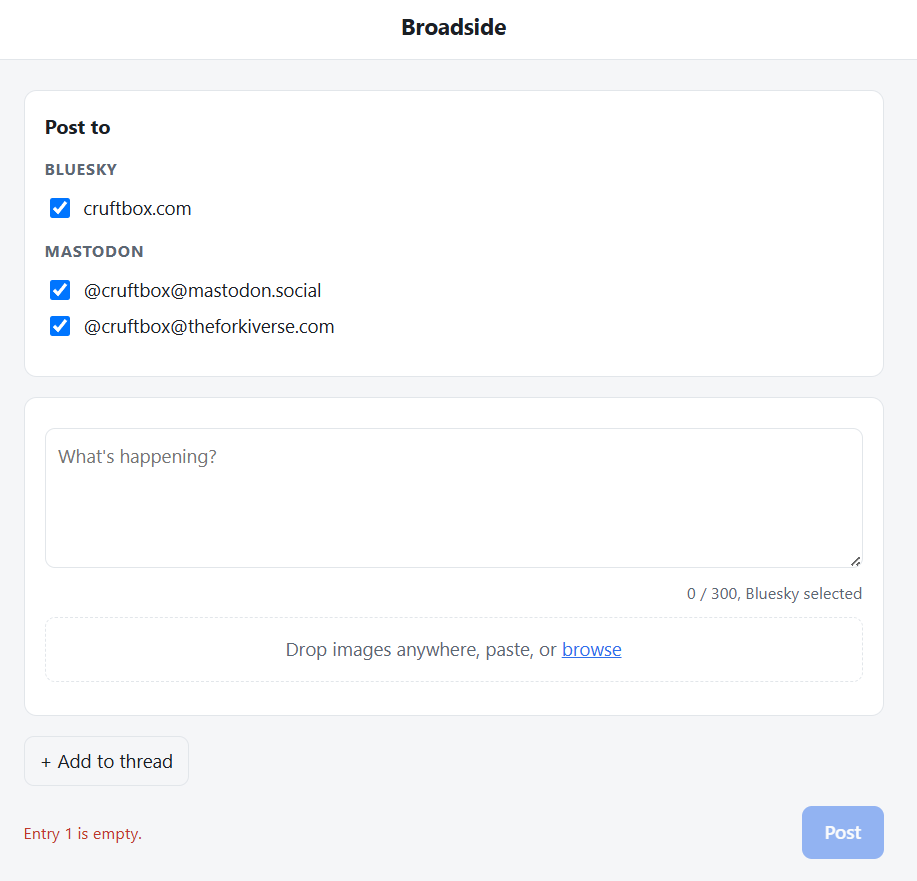
A broadside is when a ship fires every cannon on one side at once. That’s the whole idea: I write a post once, attach my images, add alt text, and Broadside fires it at every Bluesky and Mastodon account I’ve got in a single click.
It’s probably overkill for a single account, but if you’re juggling multiple social accounts it’s a huge quality of life improvement.
Broadside is built with Flask, using the AT Protocol and Mastodon APIs, and runs in a Docker container.
It also supports threaded posts, with Broadside handling the whole chain across each account.
A few other niceties I added:
Stores app passwords and access tokens through a setup wizard.
Matches Bluesky’s character counting (emoji and all).
Resizes images in the browser before upload.
Generates proper Bluesky link preview cards.
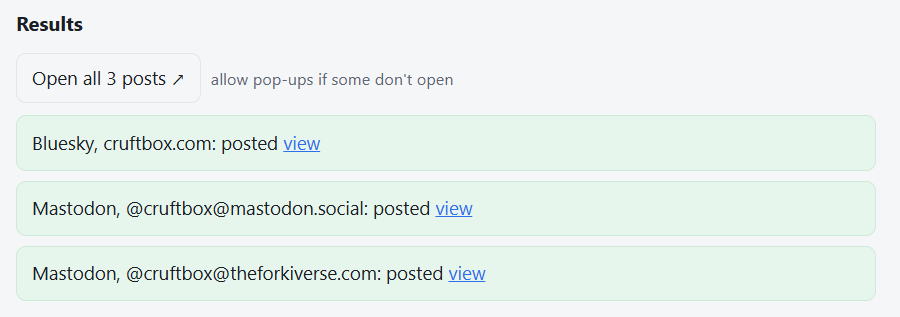
Shows success/failure status for every account with direct links to each post.
It runs on my home NAS, keeping my credentials local, and never sending them to a third-party service.
Broadside is not a Twitter or Threads tool, just a Bluesky and Mastodon tool. IYKYK.
I built the thing with Claude Code over an afternoon, which still feels a little like cheating.
I have a complicated relationship with information. I want a lot of it: what’s happening in tech, the world, culture, and the corners of the internet I care about. What I don’t want is my inbox turning into a war zone.
Email newsletters are the devil.😈 I don’t care how good your content is.
The moment you land in my inbox, you’re competing with shopping receipts, meeting requests, and shipping notifications. That’s not a reading environment. That’s a stress environment.
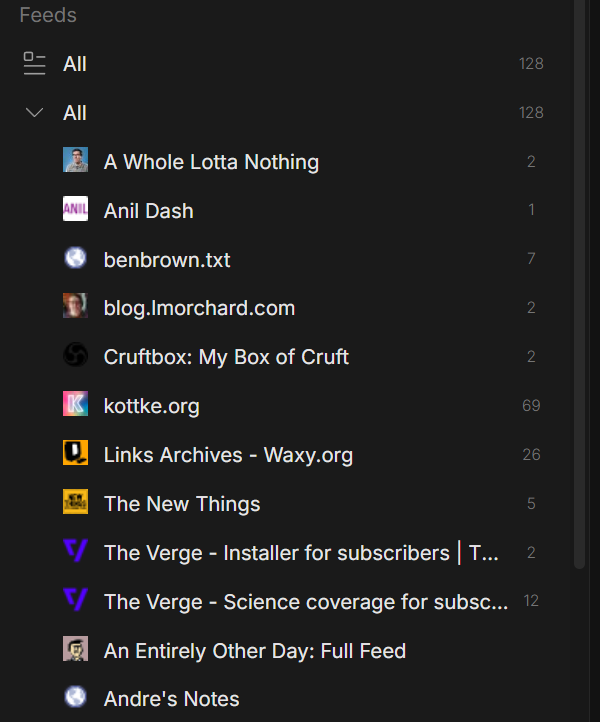
I love RSS.🧡 It’s clean, it’s chronological, it’s manageable. No algorithm deciding what I see. No engagement bait.
It’s just the things I subscribed to, in the order they arrived. A lot of the newsletters I actually want to read, The Verge, The New Thing, The Pragmatic Engineer, all publish RSS feeds alongside their email versions.
The problem isn’t RSS. It’s RSS readers.
Most of them are designed for completionists, with every article becoming something you’re expected to process and mark as read. That’s never been how I consume information.
I want to scroll through new stuff when I feel like it, catch what catches my eye, and not feel guilty about the rest.
I am constantly in Discord. I’m there for my varied communities: gaming, beekeeping, smart home, Twitch DJs, etc. It’s already where I spend a lot of my online time. So I started wondering: could a Discord bot manage RSS feeds and push new items into channels? Organized by topic, one feed per channel, there when I want to scroll through them?
Turns out, yes. With some help from Claude, I built Wireburst.
My Wireburst bot currently tracks about 35 feeds. That may not sound like many, but it’s plenty for me. Wireburst will happily handle hundreds.
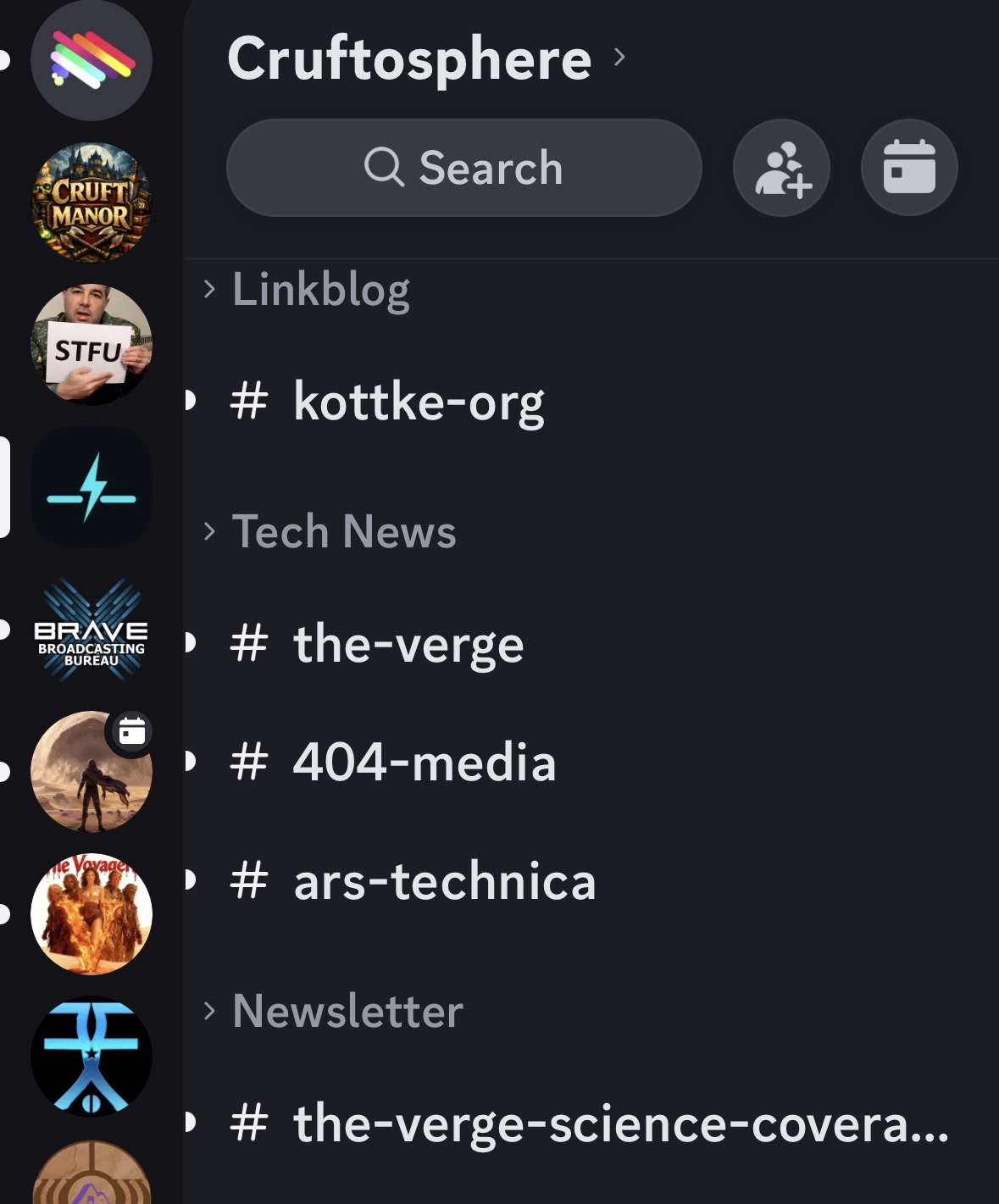
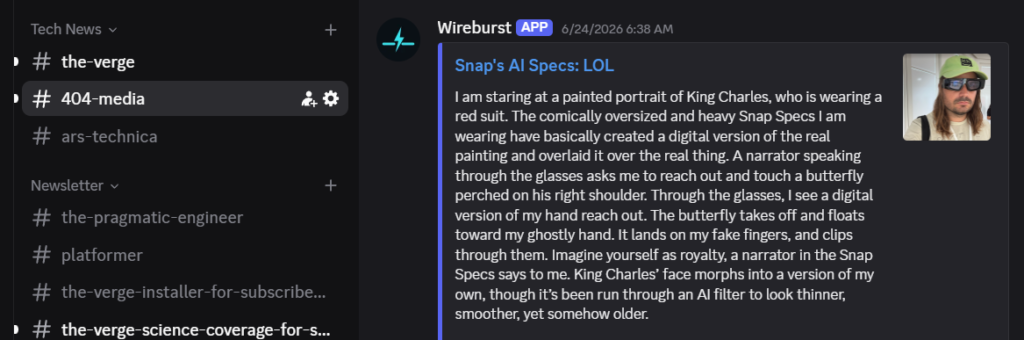
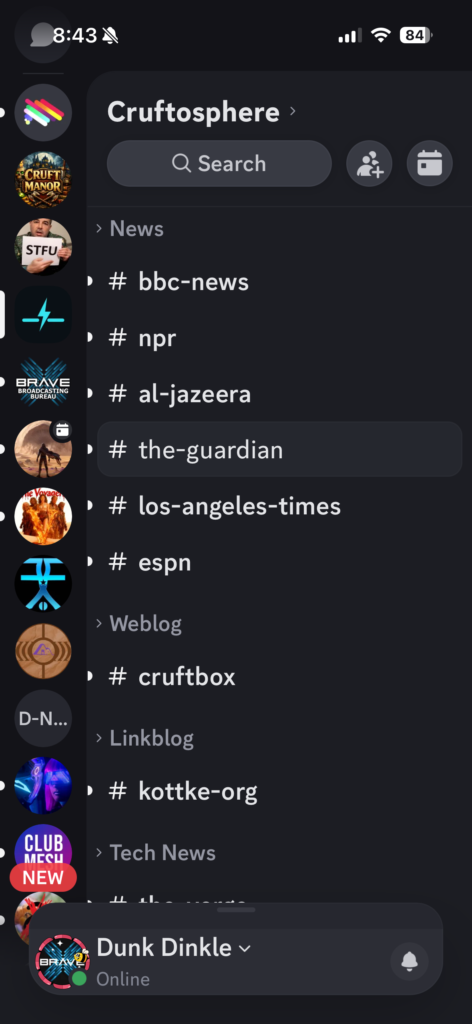
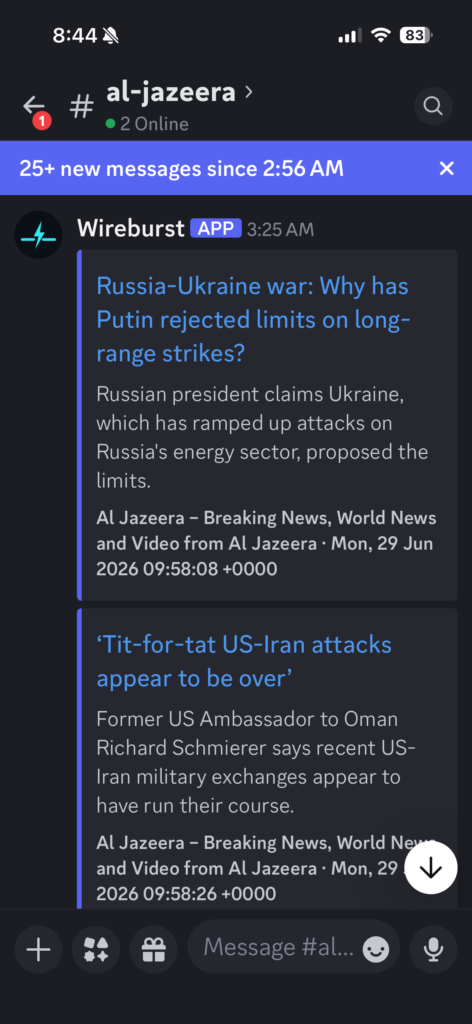
The idea is simple. You point Wireburst at your RSS feeds, tell it what category they belong to, and it creates a Discord channel for each feed nested under a category group. New items show up individually. No algorithm. Just a channel you can glance at when you feel like it and ignore when you don’t.
Discord has a few limitations. Messages over 4,000 characters are cropped, and while thumbnail images appear, inline article images don’t. When I want the full experience, I just click through to the original article.
I made a separate Discord server for just Wireburst to keep things clean, just me and the bot. You could add it to other servers where you have admin, but I didn’t plan for or test for that.
Each feed gets its own channel. BBC News doesn’t bleed into the LA Times. Kottke.org doesn’t compete with 404media. You get the firehose, but sanely organized.
Most major news sites still publish RSS feeds, even if they don’t advertise them.
Discord works great on mobile as well. I can catch up on the news anywhere, without any ads, pop-ups, or other distractions that clutter up most news sites.
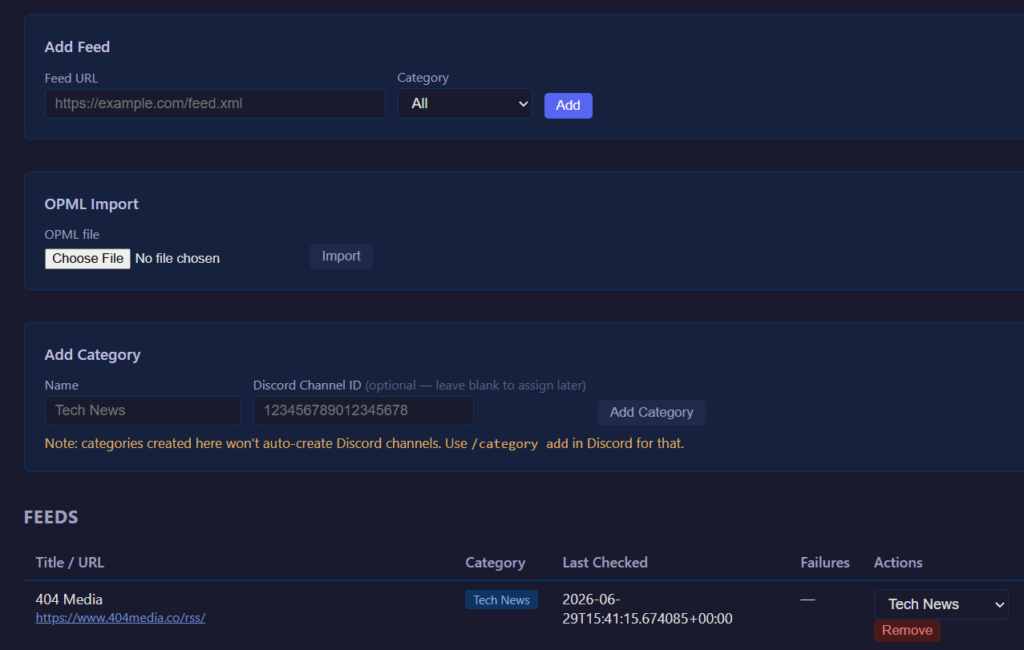
Managing feeds is done through a web admin panel (it’s only accessible on my home network, so I don’t bother with authentication), or through slash commands directly in Discord. Add a feed, pick a category, and within a few seconds the channel appears and the last five items are backfilled so you have something to read right away.
OPML import works too, so if you’ve got an existing feed list from Feedly or any other reader, you can bring it over in one shot. Categories get created automatically from your OPML folder structure.
Is it for everyone? Probably not. If you’re a completionist who needs to mark everything read, this isn’t your tool. But if you live in Discord and you’ve been looking for a way to get RSS into your workflow without adding another app or feeding the email beast, Wireburst might be exactly what you want.
The code is on GitHub, MIT licensed. It runs in Docker🐳, keeping your feeds on infrastructure you control, and even includes a matching icon set.
It’s open source so you can smack it up, flip it, rub it down however you’d like, to fulfill your personal desires.
An LLM🤖 can make customization surprisingly easy. Tell Claude, Gemini, or ChatGPT what you want to change, point them at the codebase, and you’re off to the races. They’ll even generate the correct docker compose command the first time.
Some of my projects end in disappointment, but this one is a nice success.
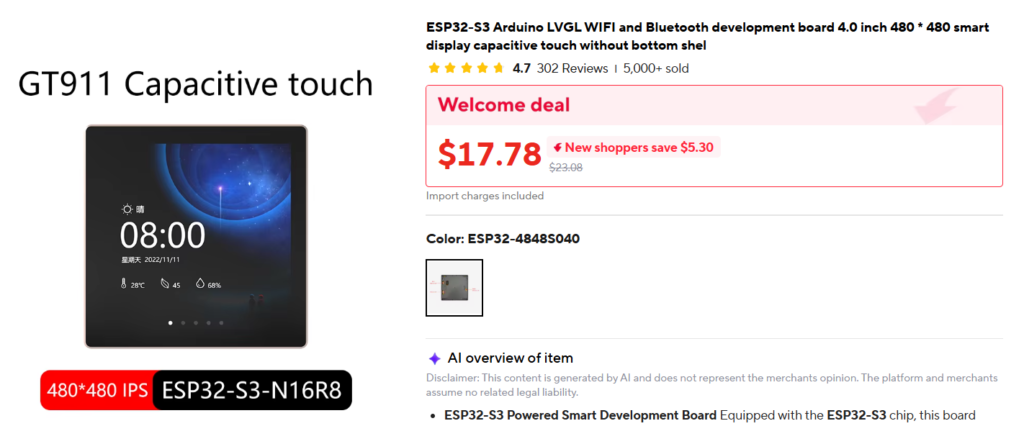
I was scrolling AliExpress, as one does, when I came across a little 4-inch touchscreen with an ESP32 built right into the back of it, a Guition ESP32-S3-4848S040. A 480×480 color display, capacitive touch, WiFi, the works, for under 15 bucks, though the pricing is dynamic and shifts each visit. So cheap.
I wondered if I could turn it into a Home Assistant control panel. A quick conversation with Claude confirmed it was feasible, so into the cart it went.
I worked up a project plan with Claude and waited for its arrival. I named it Tessera, Latin for tiles, because I envisioned the interface as a mosaic of control tiles.
It took about two weeks from online order to the working panel on my desk.
When the panel arrived, the first job was flashing the hardware and getting any kinks out of that process. My desktop recognized it easily over USB. It ships with some demo firmware, but I didn’t need it at all (I backed up the original binary just in case, I’m no newb).
Claude helped break the project into manageable chunks: hardware setup, the display stack, Home Assistant integration, UI design, configuration, and testing. Working incrementally made the project surprisingly painless.
The biggest humps to get over were the initial flash, getting the screen refresh rate optimized, and calibrating the touchscreen. After that, it was a cakewalk.
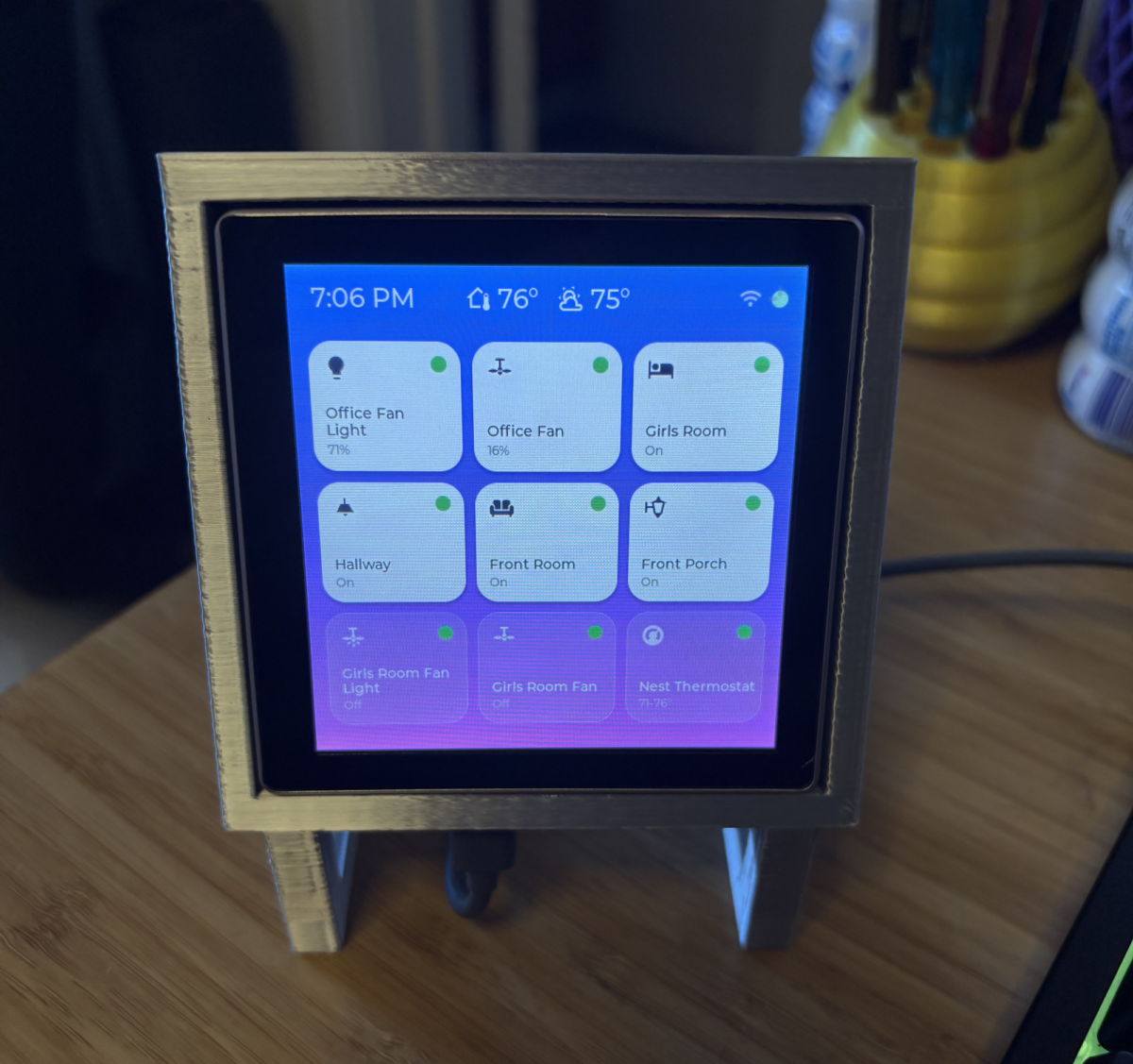
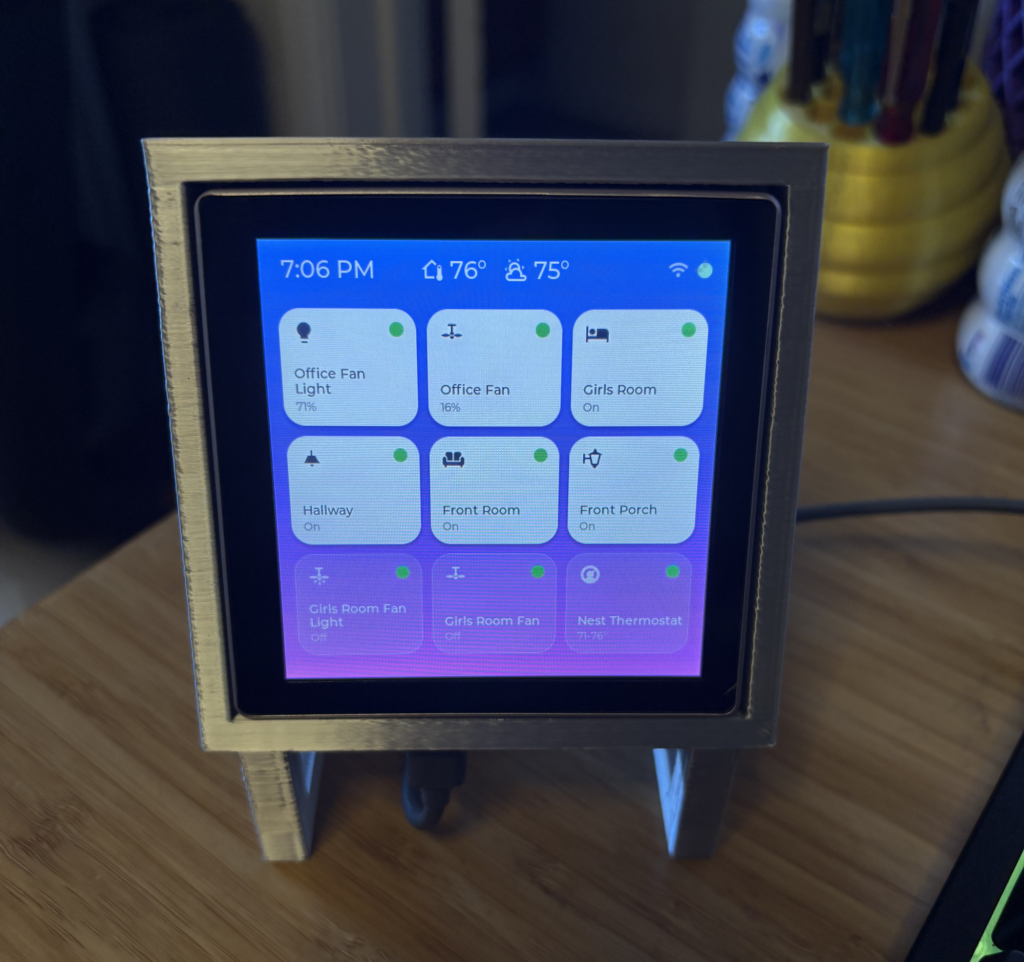
I used Claude’s new Design feature to generate a prompt for Claude Code, which then iterated on the interface until it matched the look I wanted. The 3×3 grid seems to work well for my old eyes. I gave it a soft gradient-and-frosted-glass look similar to the current look of UIs these days.
Adding devices was simple once the panel could interface with Home Assistant. I proceeded slowly, adding one device at a time. After each reflash, the new device would be there on the grid, already knowing how to display its state and toggle itself. The Nest thermostat integration took a bit to get the UI and behavior the way I wanted it, but now it works great.
Some of my subtle preferences crept in: fans that start on low instead of roaring to full speed, lights that come on at a warm 3000K, the actual indoor and outdoor temperatures tucked into the header.
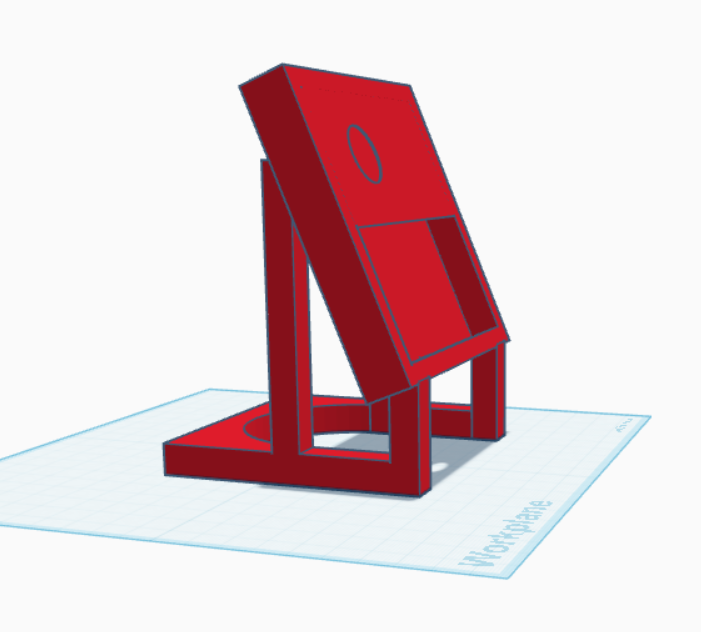
The panel runs off of USB-C power and connects via wifi, so you can put one pretty much anywhere. I wanted it to be upright on my desk, so I designed a little 3D-printed stand for it. The model’s on Thingiverse if you’d like one of your own.
The whole thing is open source. If you’ve got Home Assistant and decide to get one for yourself, the firmware, the config, and the stand are all up on GitHub. I suggest using an LLM to do the device assignment and flashing. Much easier than doing it by hand.
The main drawback is that you need to run Home Assistant to use this. Amazon Alexa, Google Home, and Apple HomeKit won’t allow the panel into their precious ecosystems.