I have a complicated relationship with information. I want a lot of it: what’s happening in tech, the world, culture, and the corners of the internet I care about. What I don’t want is my inbox turning into a war zone.
Email newsletters are the devil.😈 I don’t care how good your content is.
The moment you land in my inbox, you’re competing with shopping receipts, meeting requests, and shipping notifications. That’s not a reading environment. That’s a stress environment.
I love RSS.🧡 It’s clean, it’s chronological, it’s manageable. No algorithm deciding what I see. No engagement bait.
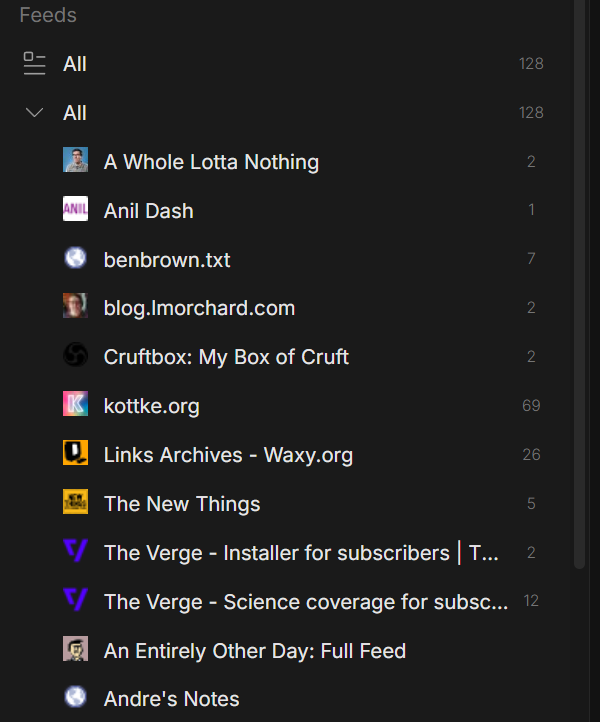
It’s just the things I subscribed to, in the order they arrived. A lot of the newsletters I actually want to read, The Verge, The New Thing, The Pragmatic Engineer, all publish RSS feeds alongside their email versions.
The problem isn’t RSS. It’s RSS readers.
Most of them are designed for completionists, with every article becoming something you’re expected to process and mark as read. That’s never been how I consume information.
I want to scroll through new stuff when I feel like it, catch what catches my eye, and not feel guilty about the rest.
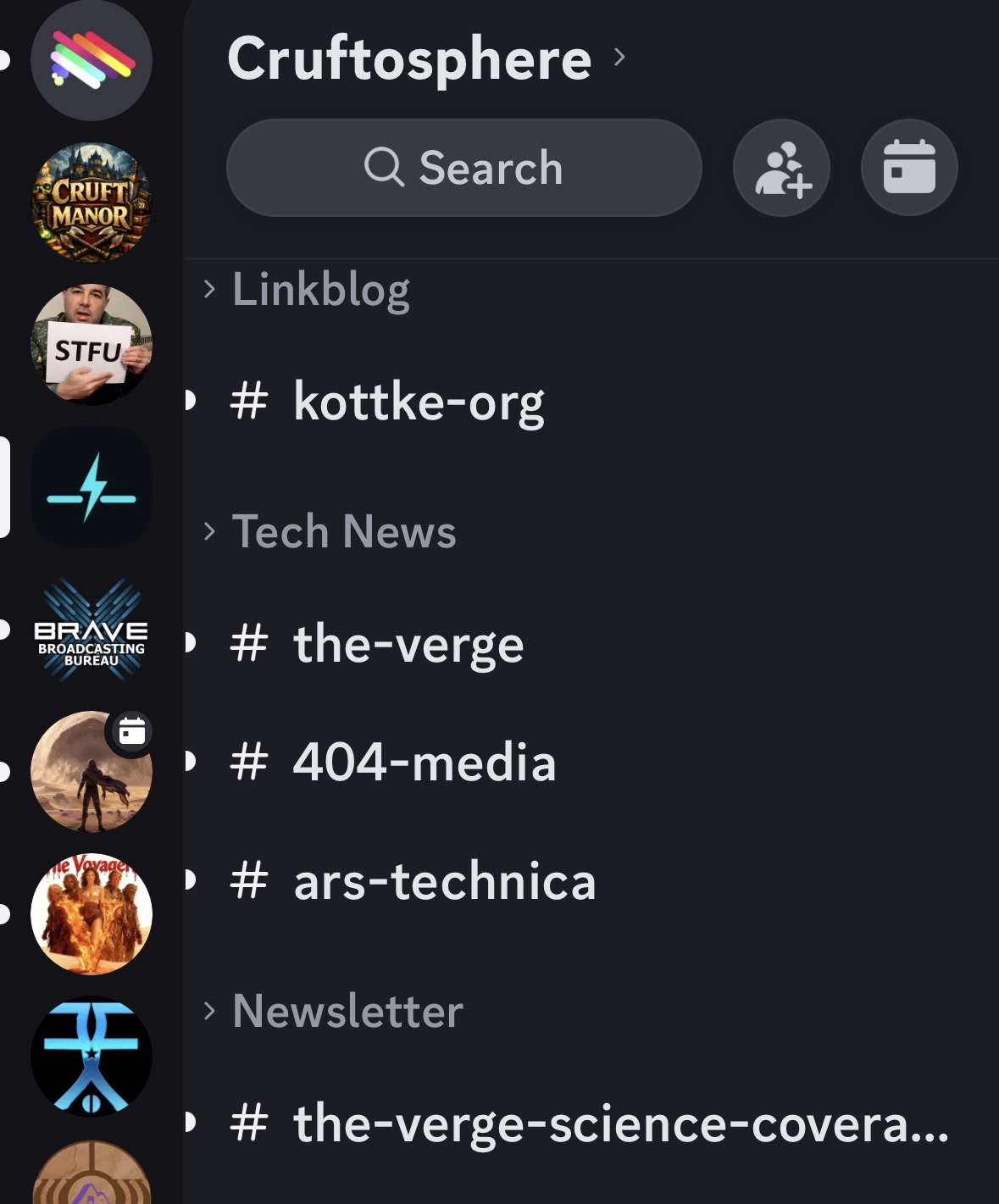
I am constantly in Discord. I’m there for my varied communities: gaming, beekeeping, smart home, Twitch DJs, etc. It’s already where I spend a lot of my online time. So I started wondering: could a Discord bot manage RSS feeds and push new items into channels? Organized by topic, one feed per channel, there when I want to scroll through them?
Turns out, yes. With some help from Claude, I built Wireburst.
My Wireburst bot currently tracks about 35 feeds. That may not sound like many, but it’s plenty for me. Wireburst will happily handle hundreds.
The idea is simple. You point Wireburst at your RSS feeds, tell it what category they belong to, and it creates a Discord channel for each feed nested under a category group. New items show up individually. No algorithm. Just a channel you can glance at when you feel like it and ignore when you don’t.
Discord has a few limitations. Messages over 4,000 characters are cropped, and while thumbnail images appear, inline article images don’t. When I want the full experience, I just click through to the original article.
I made a separate Discord server for just Wireburst to keep things clean, just me and the bot. You could add it to other servers where you have admin, but I didn’t plan for or test for that.
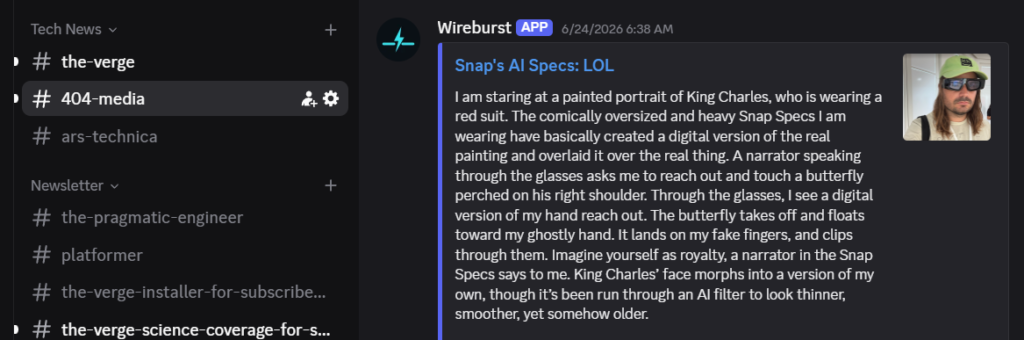
Each feed gets its own channel. BBC News doesn’t bleed into the LA Times. Kottke.org doesn’t compete with 404media. You get the firehose, but sanely organized.
Most major news sites still publish RSS feeds, even if they don’t advertise them.
Discord works great on mobile as well. I can catch up on the news anywhere, without any ads, pop-ups, or other distractions that clutter up most news sites.
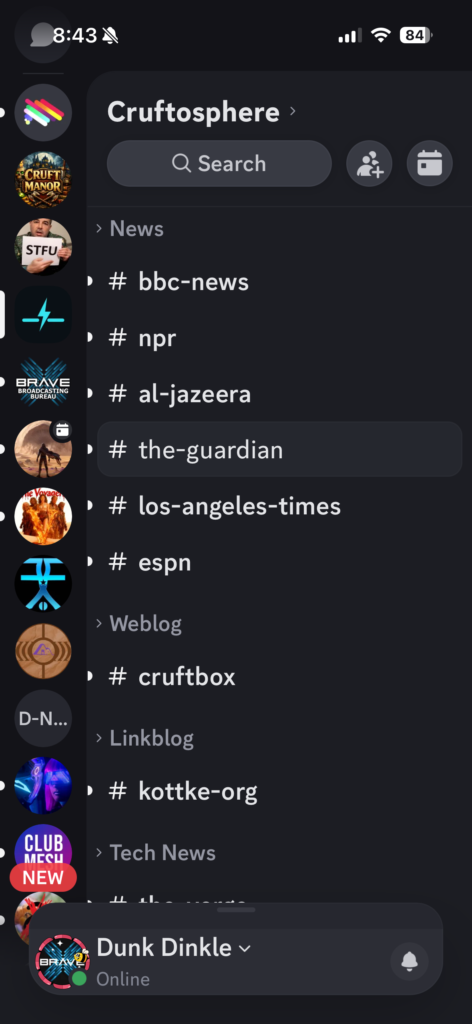
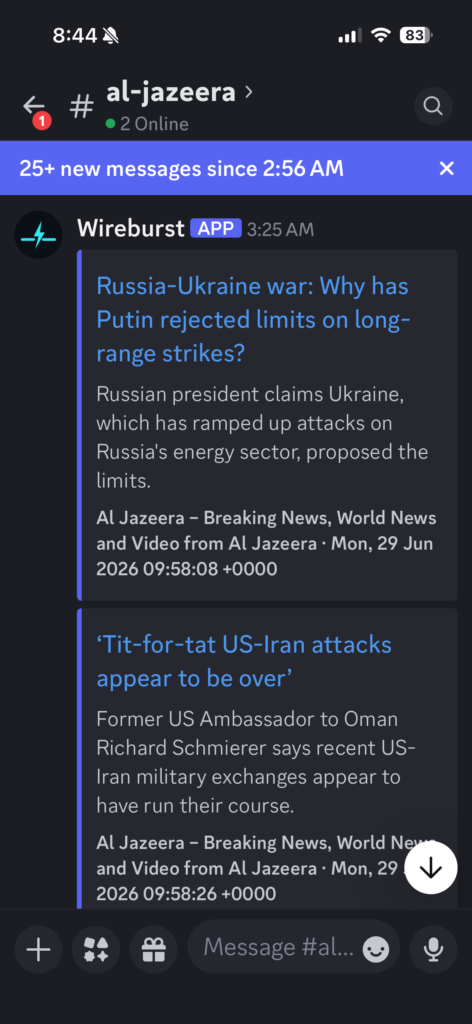
Managing feeds is done through a web admin panel (it’s only accessible on my home network, so I don’t bother with authentication), or through slash commands directly in Discord. Add a feed, pick a category, and within a few seconds the channel appears and the last five items are backfilled so you have something to read right away.
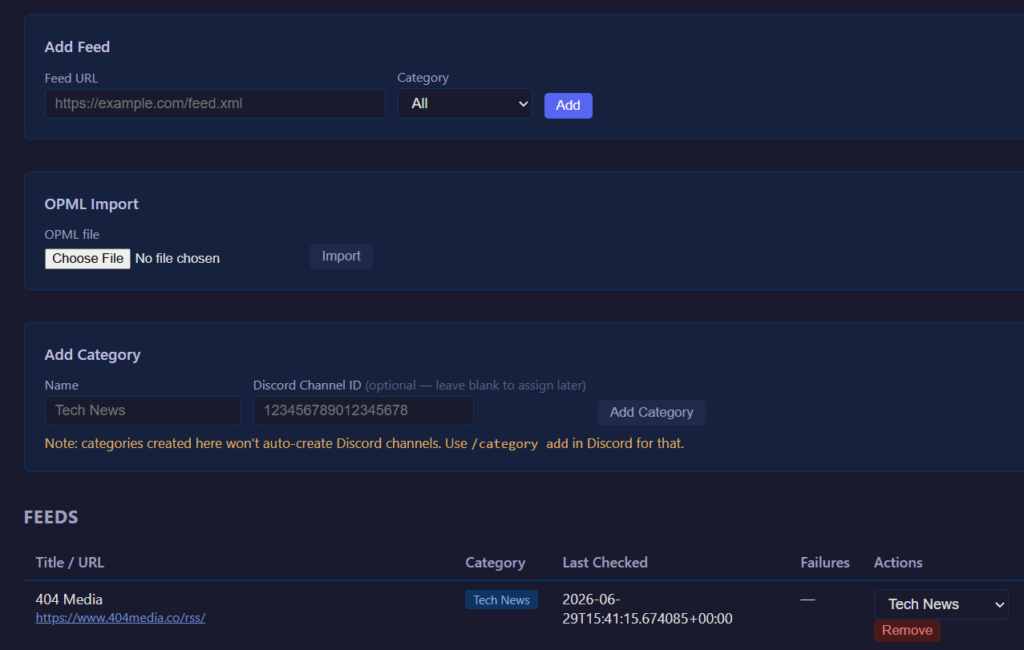
OPML import works too, so if you’ve got an existing feed list from Feedly or any other reader, you can bring it over in one shot. Categories get created automatically from your OPML folder structure.
Is it for everyone? Probably not. If you’re a completionist who needs to mark everything read, this isn’t your tool. But if you live in Discord and you’ve been looking for a way to get RSS into your workflow without adding another app or feeding the email beast, Wireburst might be exactly what you want.
The code is on GitHub, MIT licensed. It runs in Docker🐳, keeping your feeds on infrastructure you control, and even includes a matching icon set.
It’s open source so you can smack it up, flip it, rub it down however you’d like, to fulfill your personal desires.
An LLM🤖 can make customization surprisingly easy. Tell Claude, Gemini, or ChatGPT what you want to change, point them at the codebase, and you’re off to the races. They’ll even generate the correct docker compose command the first time.
Email is still the devil.
RSS in Discord? That I can work with.