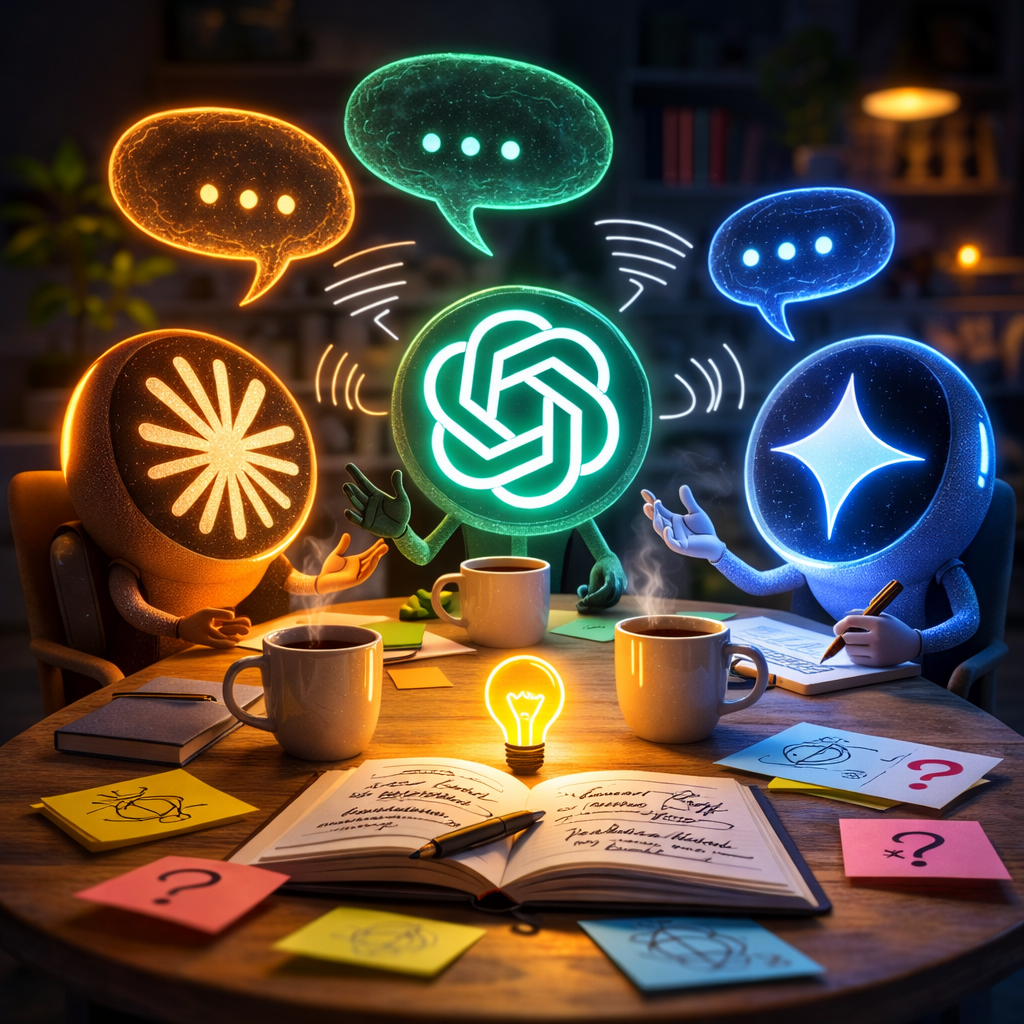
AI tools don’t always provide the correct answers, so I often find myself cross-referencing multiple models to get a wider range of perspectives. Manually copy-pasting the same prompt into Claude, ChatGPT, and Gemini quickly gets tiresome.
The three main LLMs I use are Claude, ChatGPT, and Gemini. They all provide APIs that make this pretty easy to build an app.
Working with Claude Code, I built a small app that runs locally to ask all the LLMs the same question and have them discuss the answers and provide a consensus view. It’s similar to asking advice from a group chat of friends. Everything is stored locally on your computer.
My highly imaginative name for the app is llm-discussion.
It wasn’t too hard to build. Took a little time to set up the accounts correctly to get the API keys, but it wasn’t difficult. The whole thing is only about 325 lines of Python.
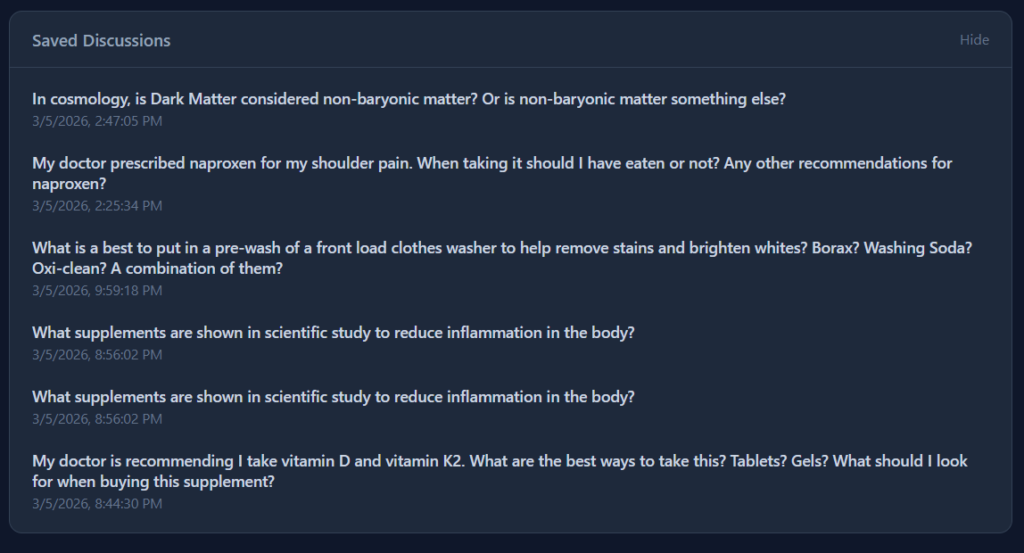
I asked all three about a couple of topics like vitamins and cosmology. The discussion and consensus surprised me with how deep the answers went. Also, they are exceedingly, painfully polite to each other.
The consensus includes the key points, what they agree upon, and most interestingly, what they don’t agree upon.
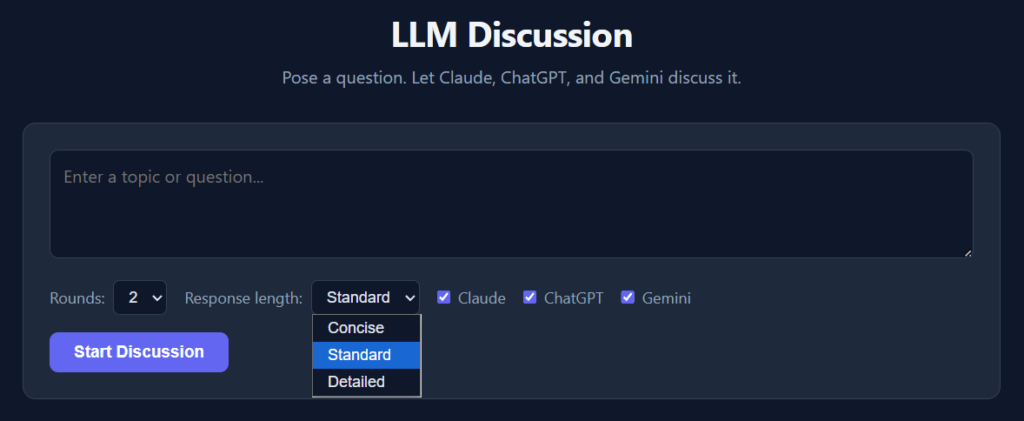
I put in a few options. You can choose the number of rounds of discussion and which LLMs you want included. Each round feeds the previous responses back to the models so they can critique or refine their answers.
The LLMs can be a bit verbose, so there’s a pulldown to choose concise, standard, or detailed answers.
You can save the discussions as well. All locally on your computer.
I use Windows but the code should run on macOS or Linux easily as the app is just basic Python scripting and Flask for the web UI. It would be easy to add other models like Deepseek, Llama, Mistral, or other API providers.
The tokens do cost money on Claude and ChatGPT, but it’s pennies. Gemini currently has a free API tier with a cap that I haven’t managed to hit yet.
Just another example of using Claude Code ‘to scratch that itch’ and make small things in my nerd life easier.
Last week I was scrolling TikTok, as one does, and saw this video by Sangeetha Bhatath, a software engineer. She was discussing that Andrej Karpathy had released the code for microGPT, an extremely simple version of the code used to train large language models. Karpathy is a co-founder of OpenAI and one of the leading thinkers in the space.
Sangeetha’s point is that you can try training a LLM yourself, and see what’s in the inside the black box to some degree. I was intrigued and decided to give it a try.
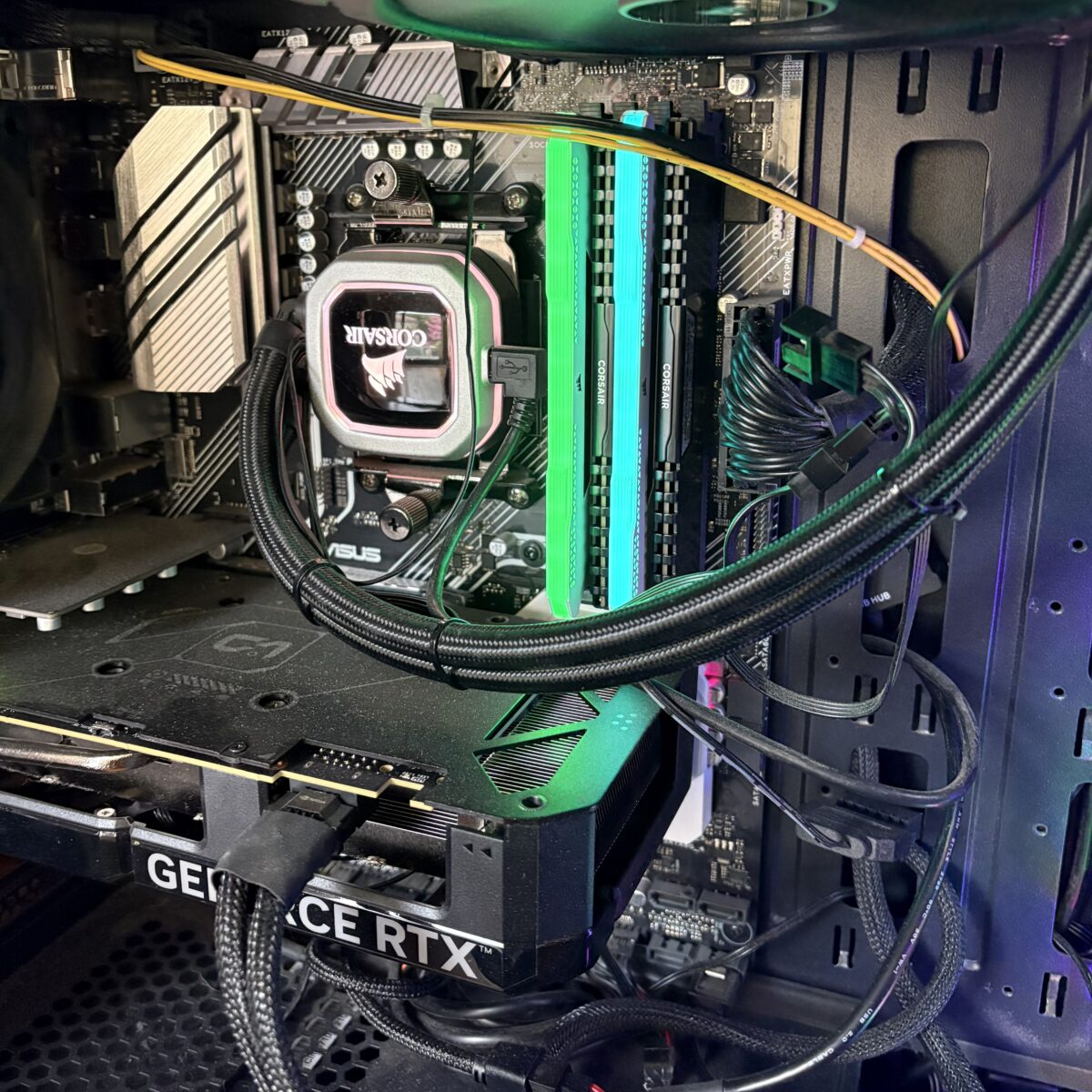
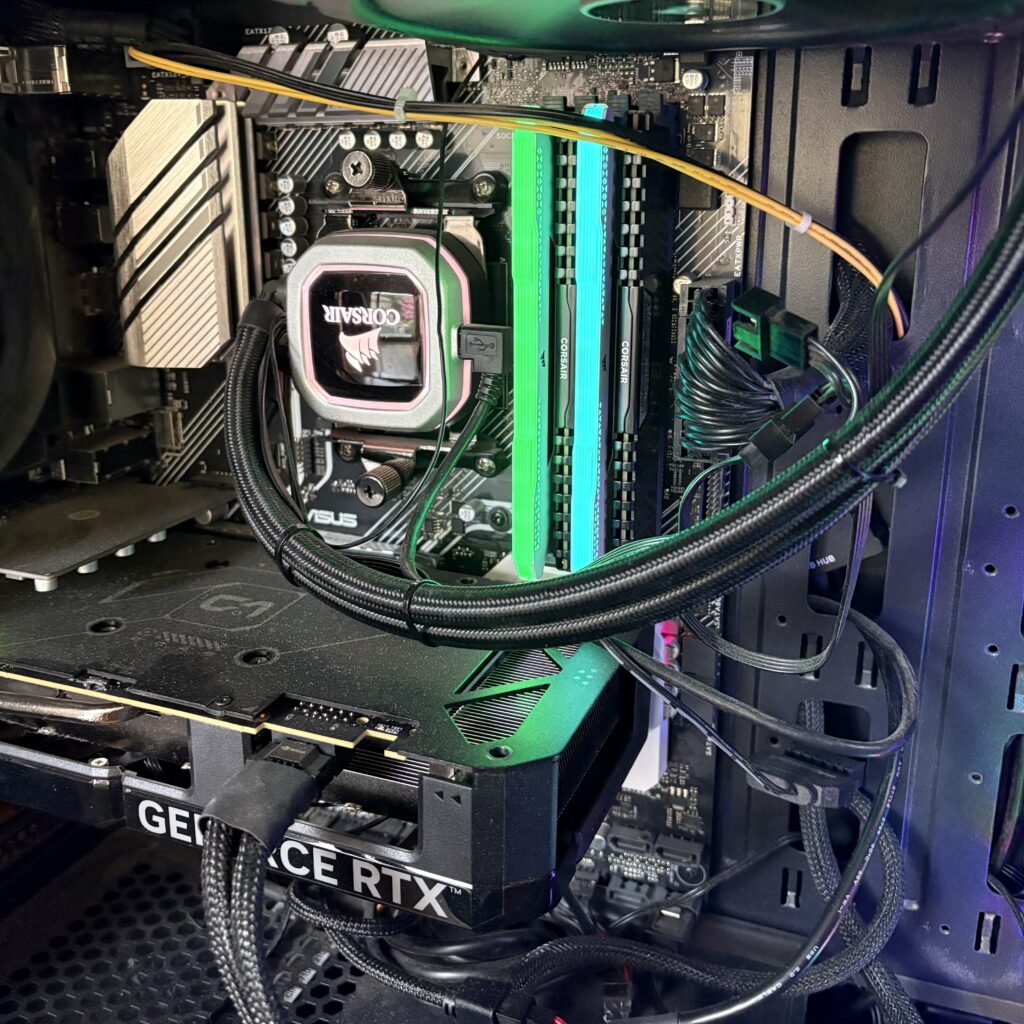
After a bit of chatting with Claude (the web chat AI from Anthropic), we agreed to use nanoGPT as it was able to take advantage of GPU processing. As a PC gamer, I have a reasonable video card (Nvidia 4070 Super w/12GB VRAM) that would greatly speed the training. GPUs do a lot of vector math to make video games work and coincidentally LLM training is basically the same kind of vector math. I hated linear algebra in engineering school, so I’m glad we have chips to do this for me.
The plan was to use the GPT-2 weights that are publicly available with as much data as I could gather of my own writing and speaking. In short, a plan to make a Cruftbot or CruftGPT. Claude made a detailed four phase plan that I could understand and was clear direction for Claude Code (Anthropic’s focused developer AI app) to execute.
The text you used to train a LLM is reflected in the way the LLM writes. Train a lot of Shakespeare, you get a LLM that talks like an Elizabethan. Train a lot of legal documents, you get a LLM that talks like a lawyer.
I’ve been in the interwebs for a long time and have 25 years of posting and over 300 videos of my various antics. Claude helped me write several scripts to scrape data from my weblog, Medium stories, Bluesky posts, and transcripts of my videos. Reddit has an export function, which made that easy. I have a lot of posts on Twitter, but I haven’t been posting there for a couple years now. It used to be easy to get an export of posts, but under the current management it’s extremely difficult.
I set Claude Code to work on setting up the NanoGPT code on my desktop. As an aside, wsl2 (Ubuntu linux) under Windows works very well. I fed the personal data to Claude Code and it formatted it for me. 25+ years on the internet equaling 699K tokens of data. Good, but not great.
Another aside: LLMs process text using tokens, which are the numerical building blocks of text input. Instead of reading full words, a tokenizer breaks text down into common chunks of characters. For example, the word ‘apple’ might be one token, while a complex word like ‘bioluminescence’ might be split into three or four tokens. The tokenizer assigns each unique chunk a specific number, the word ‘apple’ might be ‘27149’.
Training is essentially the LLM learning the mathematical relationships between these numbers. Since computers excel at math but don’t ‘read’ like humans, turning language into a giant game of statistics and geometry (technically it’s vector math) is what makes the magic happen.
Claude started a few training runs and tried both GPT-2 small (124M) and GPT-2 medium (345M) parameter sets to see what worked best with my personal dataset. After a bit of GPU time, it found the GPT-2 medium worked best to provide the best ‘val loss trajectory’. I learned that ‘val loss trajectory’ is tracking the validation loss number, which kinda means how well the personal data is overlaying with the base language data.
Since I want CruftBot to sound like me, it’s important the training results in my personal data being more apparent than the base language that the GPT-2 set provides.
Before bed, I told Claude to continue training and to continue without asking me for approval. The GPU was pegged at 99% but not overheating, which was great.
The next morning the training was done and Claude stood up Gradio to act as a UI with CruftBot.
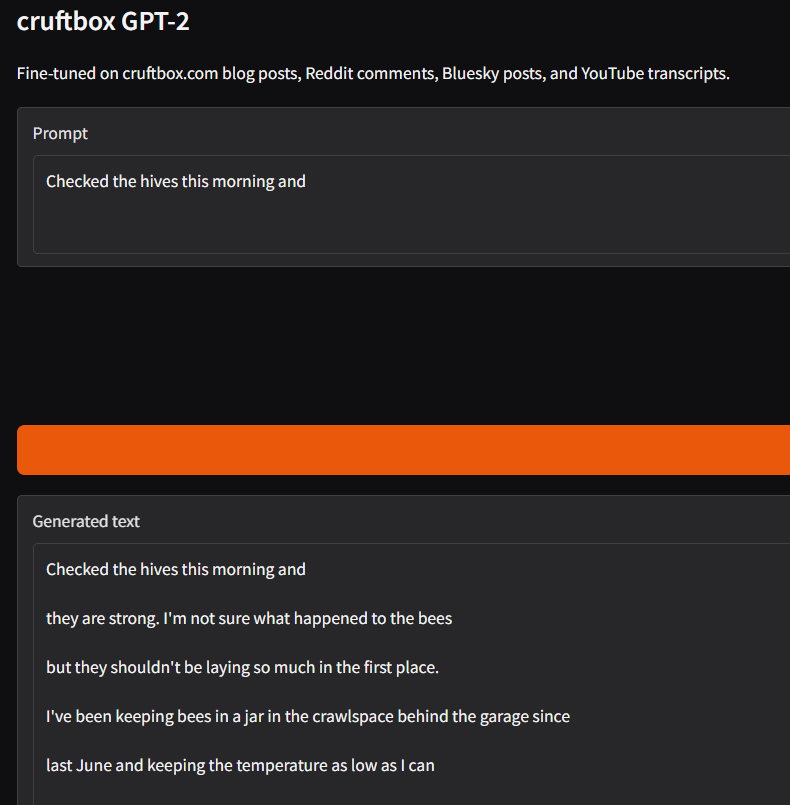
The results were underwhelming.
The output used words I use, but was put together in nonsense fashion. You could see CruftBot trying, but it was just guessing at words.
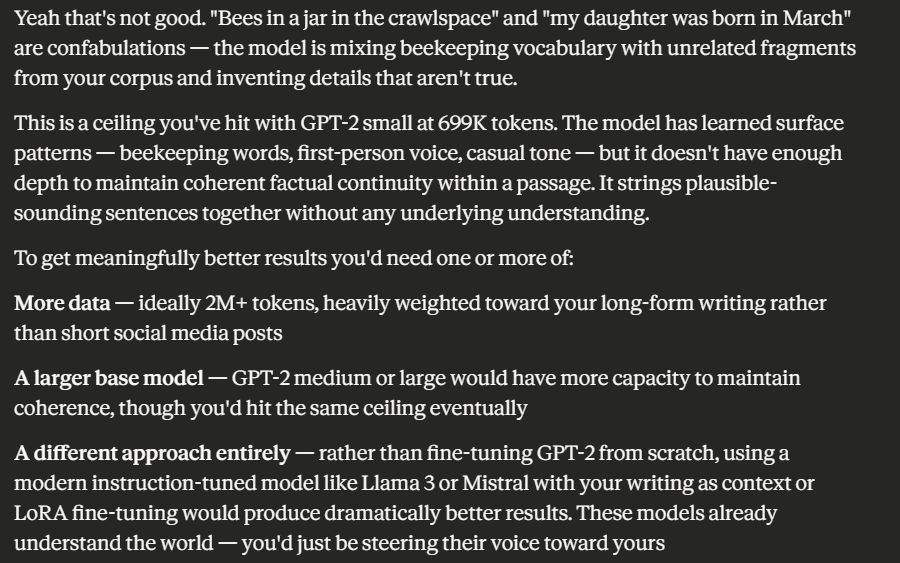
Claude explained “This is the fundamental limitation of a fine-tuned model this size: it’s not a knowledge model or a chat assistant, it’s a text completion engine trained on your writing patterns. It doesn’t understand questions, it just continues text in a direction that statistically resembles your corpus.”
Claude went on to explain that what I really needed was a lot more tokens of my own data.
My own data means things I’ve written, talks I’ve given, and videos I’ve made. Asking for triple of what it took me 30 years on the internet to write, and I’m prolific compared to most netizens, is humbling. There just doesn’t exist three times more ‘me’ of data out there.
In short, I learned it’s just guessing words based on patterns of tokens in the data it was trained on and it needs a lot more data to train on. There is some truth to the idea that AIs are ‘word guessing machines’ but at the leading edge they guess as well as almost any expert human would on topics.
If I really wanted to take this further, there are other approaches to improve the result, but in the end they would all pale in comparison to the current frontier models that you can try for free.
There’s a huge value in doing technical things yourself and seeing what is involved. I learned a tremendous amount about the basics of LLM training and what kind of issues would be involved with scaling.
When I worked at NBC, we used the same Nvidia A100 & H200 cards for video editing that are now used for LLM training. They are enormously powerful GPUs. At the time, our competition in buying them was from cryptocurrency groups, not AI companies. The idea that thousands of these cards are needed to train the frontier AI modules shows me the gigantic amount of tokens that are crunched to get today’s AI bots.
Looking at this from a professional point of view, it’s easy to extrapolate from my experiment how a business might want to build its own LLM, trained on a large corpus of knowledge important to that business. It’s probably a spreadsheet of costs comparing doing it yourself with servers, GPUs, and data centers compared to paying an existing AI company to train your data on top of their models. On top of all that, does the cost of a well trained AI system pay for itself in terms of productivity and improvements? The answer on that is still undetermined, despite the current hype cycle.
We are all in the very early days of AI, despite the feeling that it’s taking over our personal worlds and most businesses. My 24-hour experiment only scratched the surface and it’s clear there’s a long way to go before any of us (developers, businesses, or society) truly understand how this technology will reshape our world.
If you are technically minded, do yourself the favor and try training your own model. It won’t end up being very usable, but you will learn a lot.
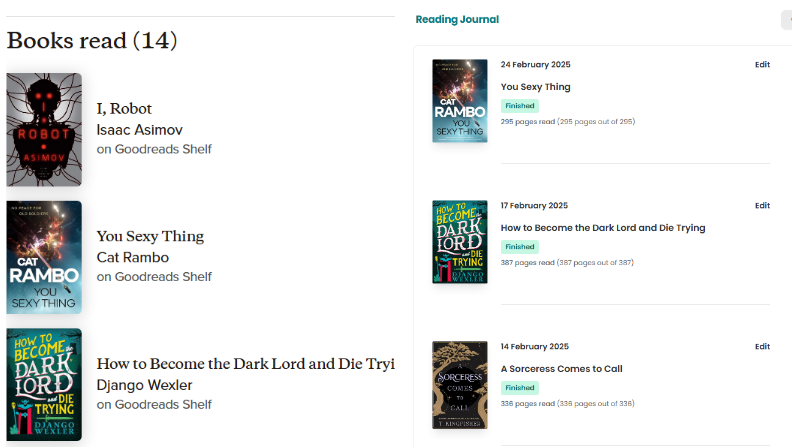
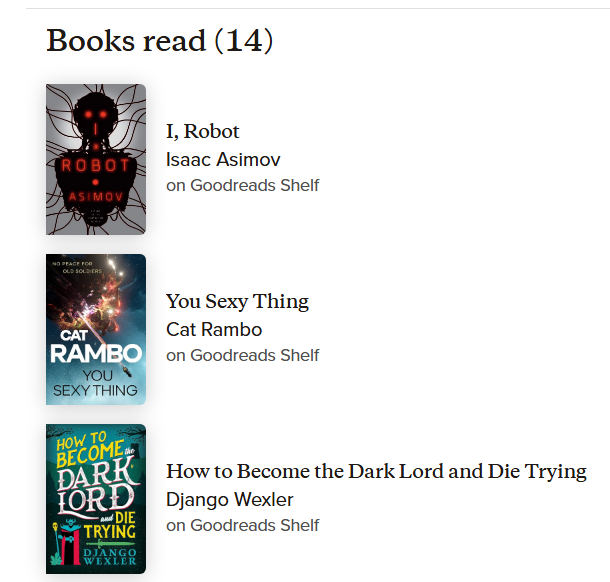
I enjoy reading and tracking my progress on Goodreads. Recently, I started playing around with Storygraph, a similar site. Goodreads is part of Amazon, so when I finish a book on my Kindle, it automatically updates Goodreads for me.
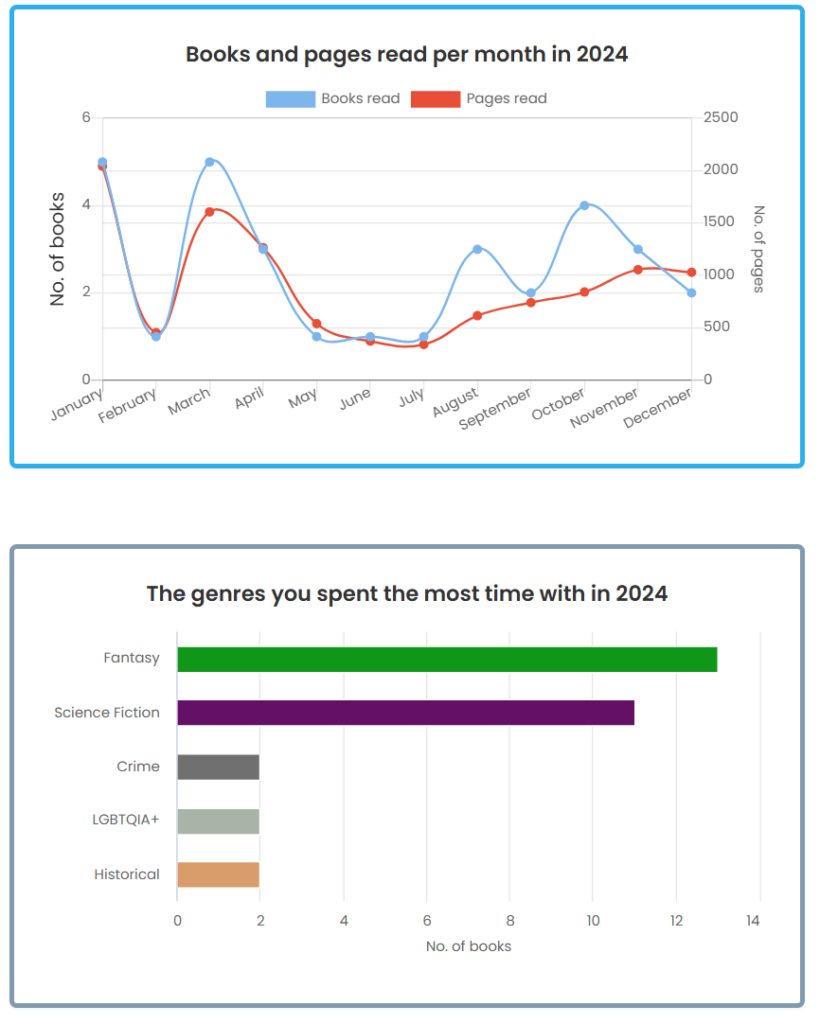
Storygraph has a lot of neat features, like fun data representation of my books over a year.
Unfortunately, Storygraph does not sync with a Kindle to make the process automatic.
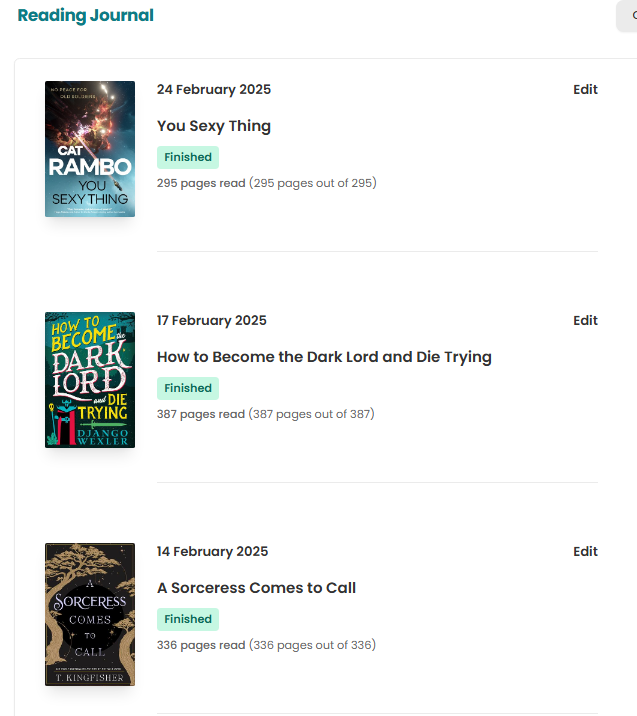
But this only covers my history, not useful for new books as I complete them. I wanted some way to sync the two sites.
I looked for syncing techniques, but since Storygraph does not have an API interface, I didn’t find anything on the interwebs to help me.
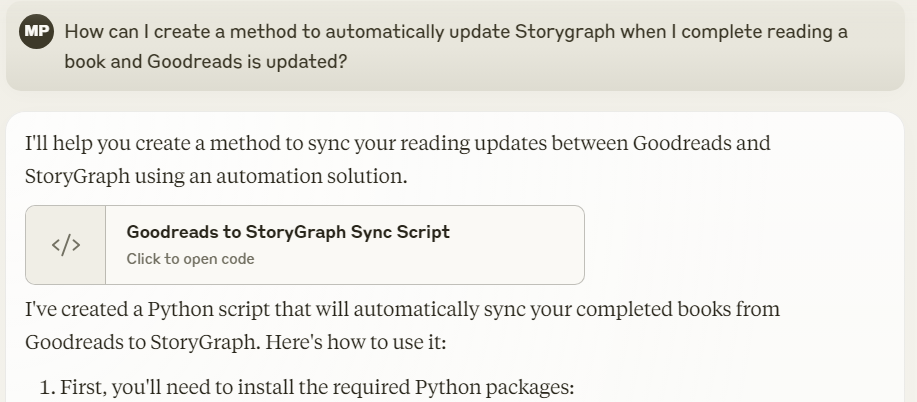
Undaunted, I reached out to claude.ai and asked for some help.
And we were off to the races, building a python script to make the sync happen. When you start doing repeated complex asks of claude, you can run out of tokens, meaning you have to take a break from using it until your tokens are replenished 3-4 hours later. I’m paying for the Pro plan, but even that has limits.
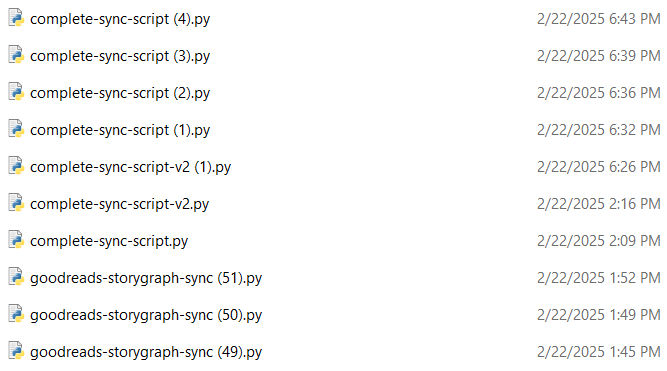
It took about a day and a half to get it all working with multiple breaks for token refresh and touching grass. There were ~58 versions of the Python script made and tested to get it where I wanted it. There are error handling routines and logging for troubleshooting as well.
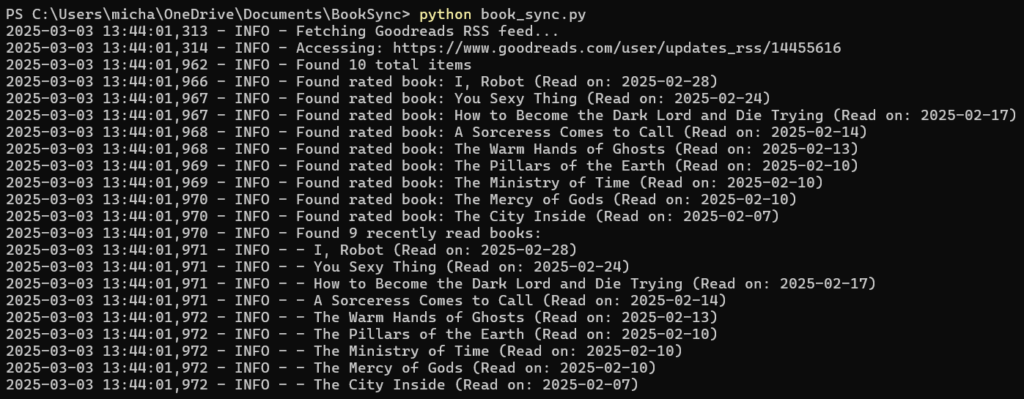
The script pulls your Goodreads shelf via the RSS feed, which was fairly simple.
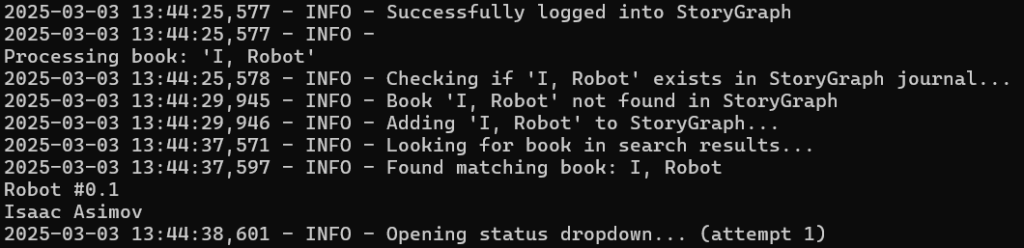
Since Storygraph doesn’t have an API interface, the script literally opens up a Chrome browser and does the clicking and typing automagically. Not really agentic behavior, but kinda like it.
This was the most impressive part to me. Having the python script being able to drive a webpage without me doing anything is quite impressive.
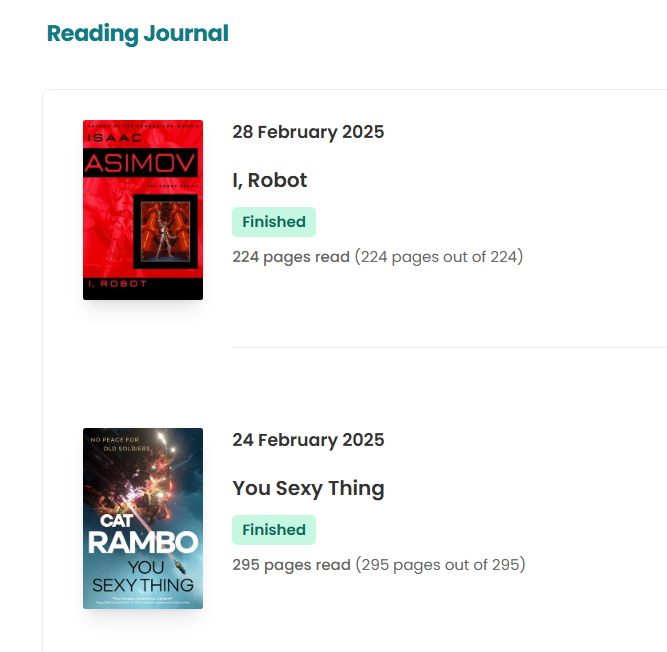
Now Storygraph is synced with Goodreads.
In the end, this project wasn’t just about syncing two reading trackers, it was about the challenge of problem-solving with AI, learning new automation techniques, and pushing the limits of what I could build.
While synchronizing reading lists between platforms might seem like a small convenience, it represents the kind of personal automation that enhances our digital experience without relying on companies to provide official solutions.
I hope sharing this workflow inspires others to tackle their own “trivial but annoying” tech challenges, whether it’s syncing reading lists, automating repetitive tasks, or connecting services that don’t naturally talk to each other.
Sometimes the best solutions are the ones we build ourselves.