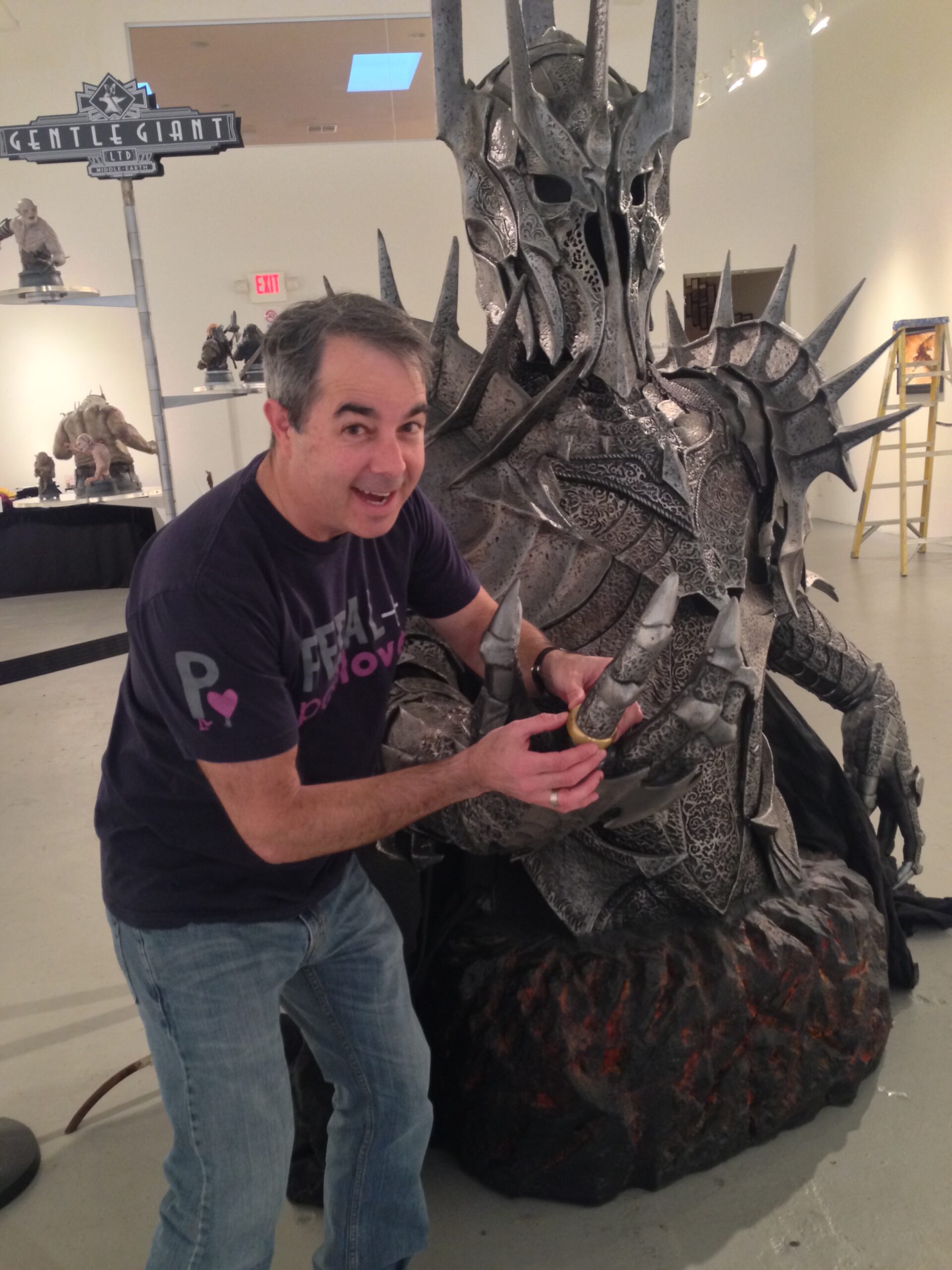
I made an e-ink tarot card display!
Both of my adult children are interested in tarot cards. I don’t really know much about tarot cards, but if it makes them happy, I’m happy.
A few weeks ago, I saw a post on Mastodon by Hiro about tarot cards on an e-ink display.
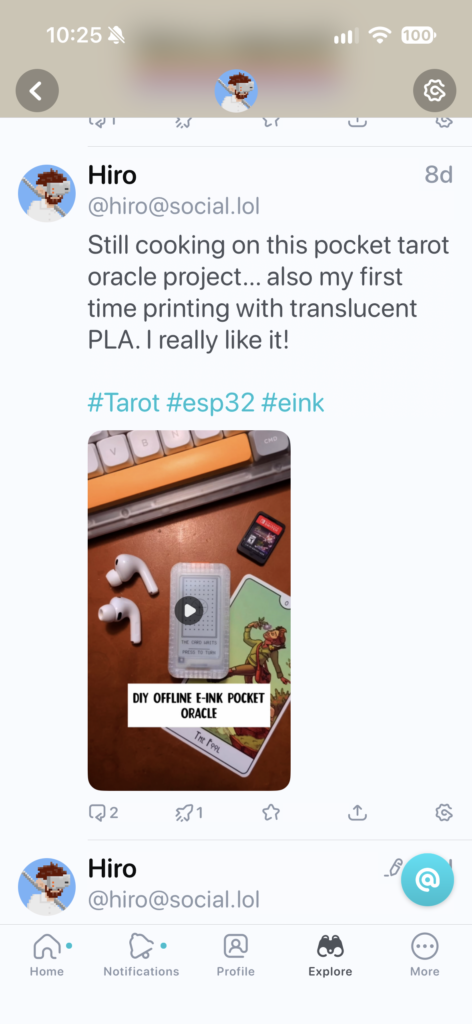
Recently, I’ve been building a lot with ESP32 boards and decided I could build something similar for the kids.
The idea was a small device that would present a new tarot card each day. The card switches in the middle of the night, so they wake up to a new card.
First, I had to see if I could pull off getting an e-ink display working with an ESP32 board myself.
After playing with a few boards and displays, I decided to go with the Adafruit ESP32-S3 Feather and the eInk Display FeatherWing. The stacking capability made the assembly much easier. Adafruit is a great resource for tinkerers and they are good people. For the battery, I used a small generic 400mAh LiPo battery. The battery should last several weeks at a minimum before needing a recharge.
Once the parts arrived, I soldered the headers into the Feather board and was able to bring up the device for the first time. Claude had no trouble flashing the board and loading code to get the display working.
I downloaded several sets of existing public domain tarot deck artworks. Most of them are old and never intended for the electronics age. All of them looked pretty bad squeezed into a 128 x 224 e-ink screen. The only one that was passable was the Rider–Waite–Smith (RWS) deck artwork by Pamela Colman Smith. I worked to get that art displayed with the name of the card at the bottom.
Still unhappy with the quality of the art, on a whim I had Codex generate a set of tarot artwork in a woodcut/linocut style based on older card styles. I was impressed with the output. Codex seems to do well with line art generation, much better than I could draw.
I named the deck black_ink and converted it to 1-bit for the e-ink screen.
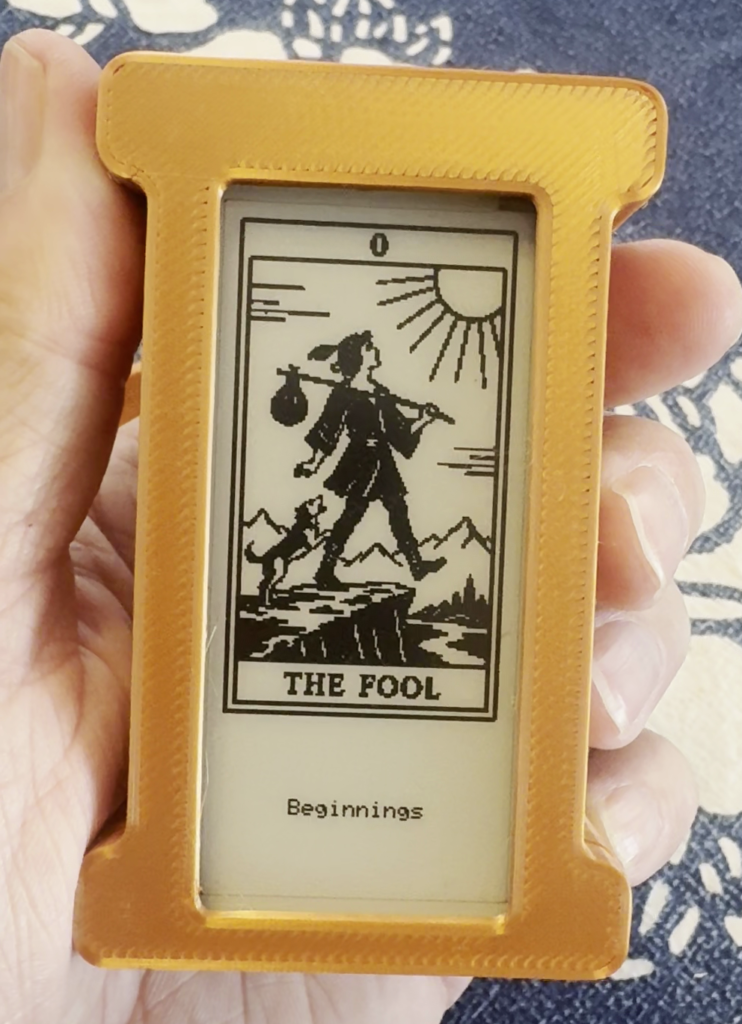
Emboldened, I decided to make a couple more sets of deck art with more whimsy. I had Codex make tarot decks based on the public domain Alice in Wonderland (John Tenniel) and Winnie the Pooh (E.H. Shepard) artwork. I considered making a Pokémon one, but decided to stick to public domain works.
The two decks wonderland (Alice) and hundred-acre (Pooh) came out great, better than I imagined.
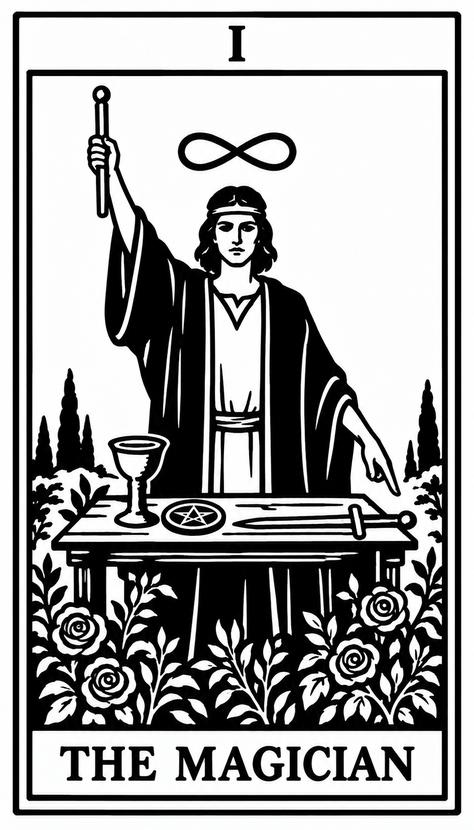
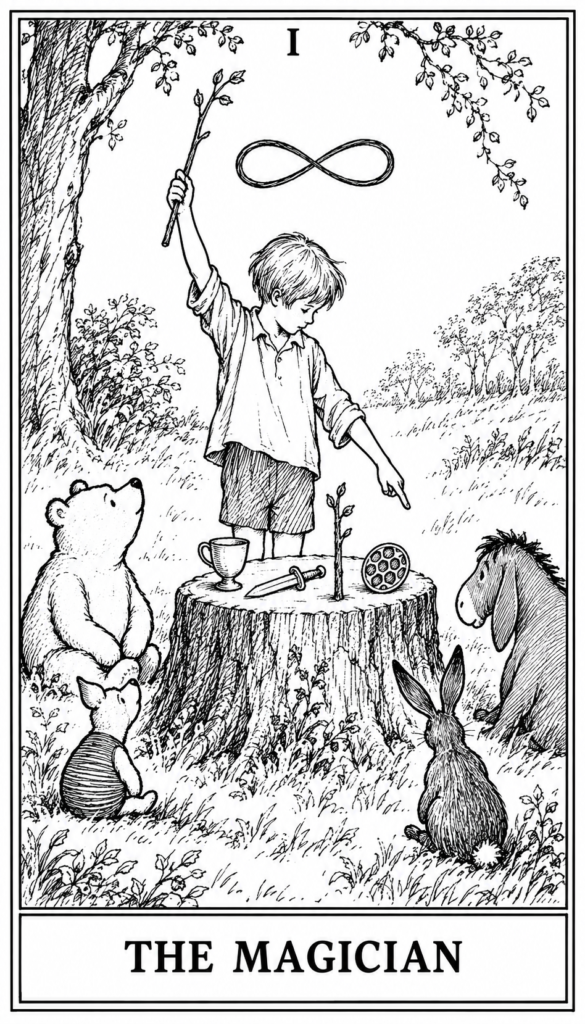
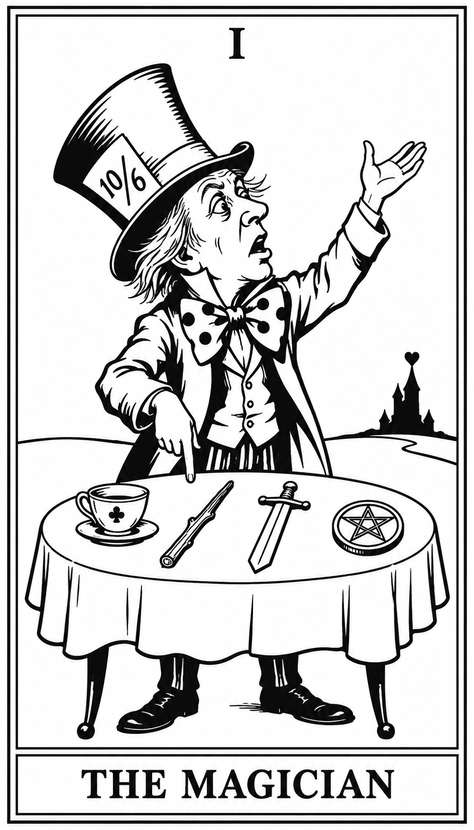
After a bit of tweaking due to Codex not being able to count pentacles well, the decks were done. Reviewing the cards, I found there were a couple of adjustments that the human eye recognized, but the AI didn’t. I loaded them onto the device and they looked fantastic.
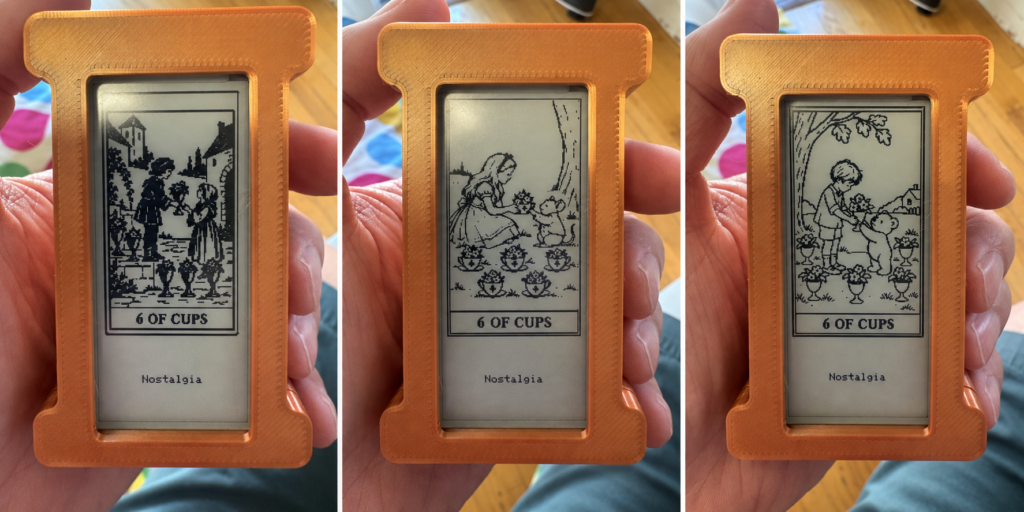
The buttons on the side of the device were set to bring up settings, rotate to a new card, and switch deck art.
The e-ink display has a micro SD slot, so a memory card can hold a huge amount of deck artwork. The only pain was I couldn’t load artwork through the ESP32. I had to connect the memory card to my desktop, move files, and then put the card into the display. Only a development problem, nothing serious. The kids will likely never touch the SD card.
Once I had the electronics working I began work on the enclosure I was planning to 3D print. This was one of the tougher aspects of the project. I went through over a dozen iterations of the design to hold the boards in place with room for the battery, line up the holes for connectors, and put a few little design flourishes on it.
If I do a similar project, I would make a lot of measurements of the component boards to help with the 3D design. Lining up USB-C connectors and mounting posts requires accurate measurements. Calipers are needed. A ruler is not enough.
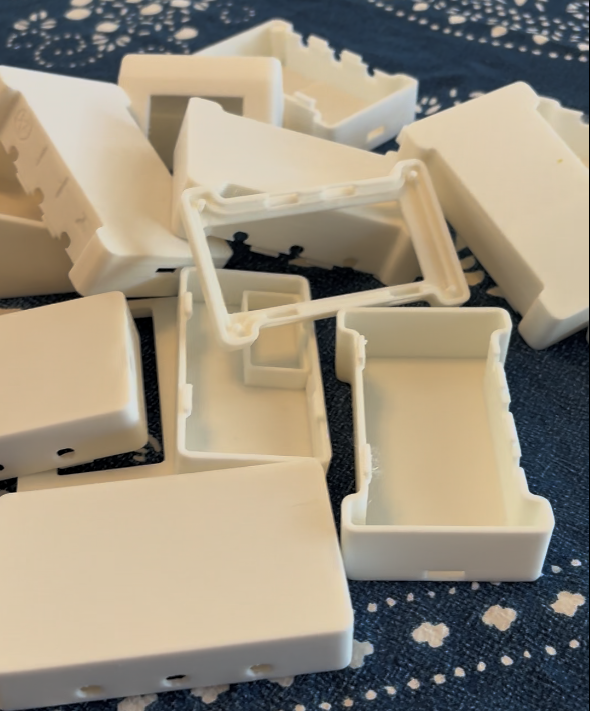
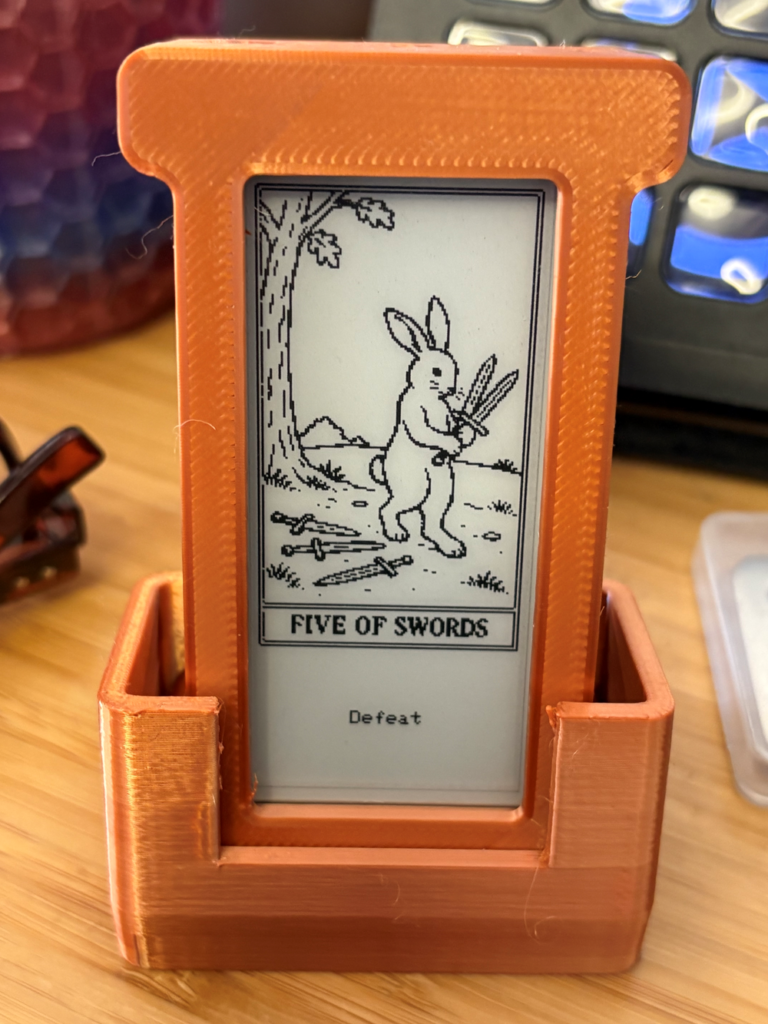
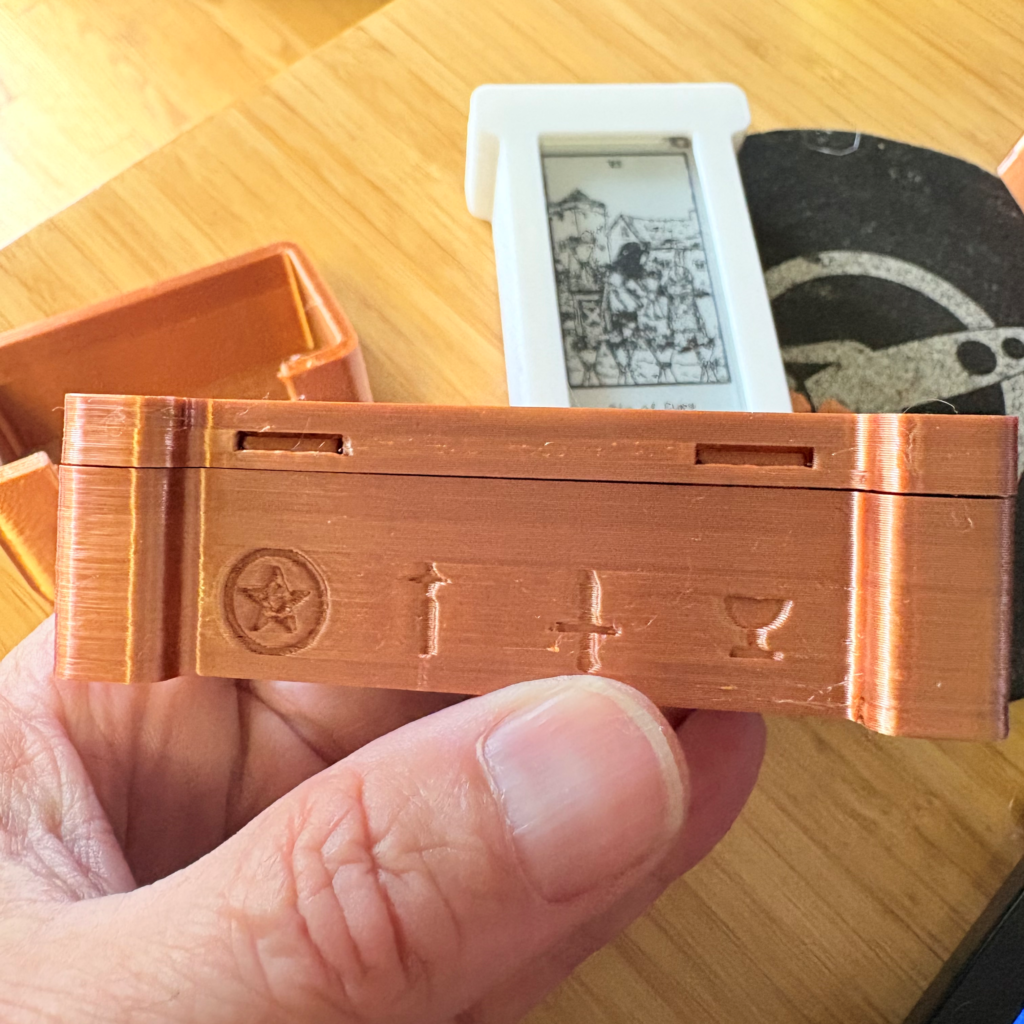
I finally got everything sorted out and did my final assembly and testing before sending them off to my kids.
They seem to like them and were impressed I had built them myself.
I still don’t know much about tarot. But they’re happy, so I’m happy.
Code, 3D models, and art are on GitHub at https://github.com/cruftbox/tarot-pad