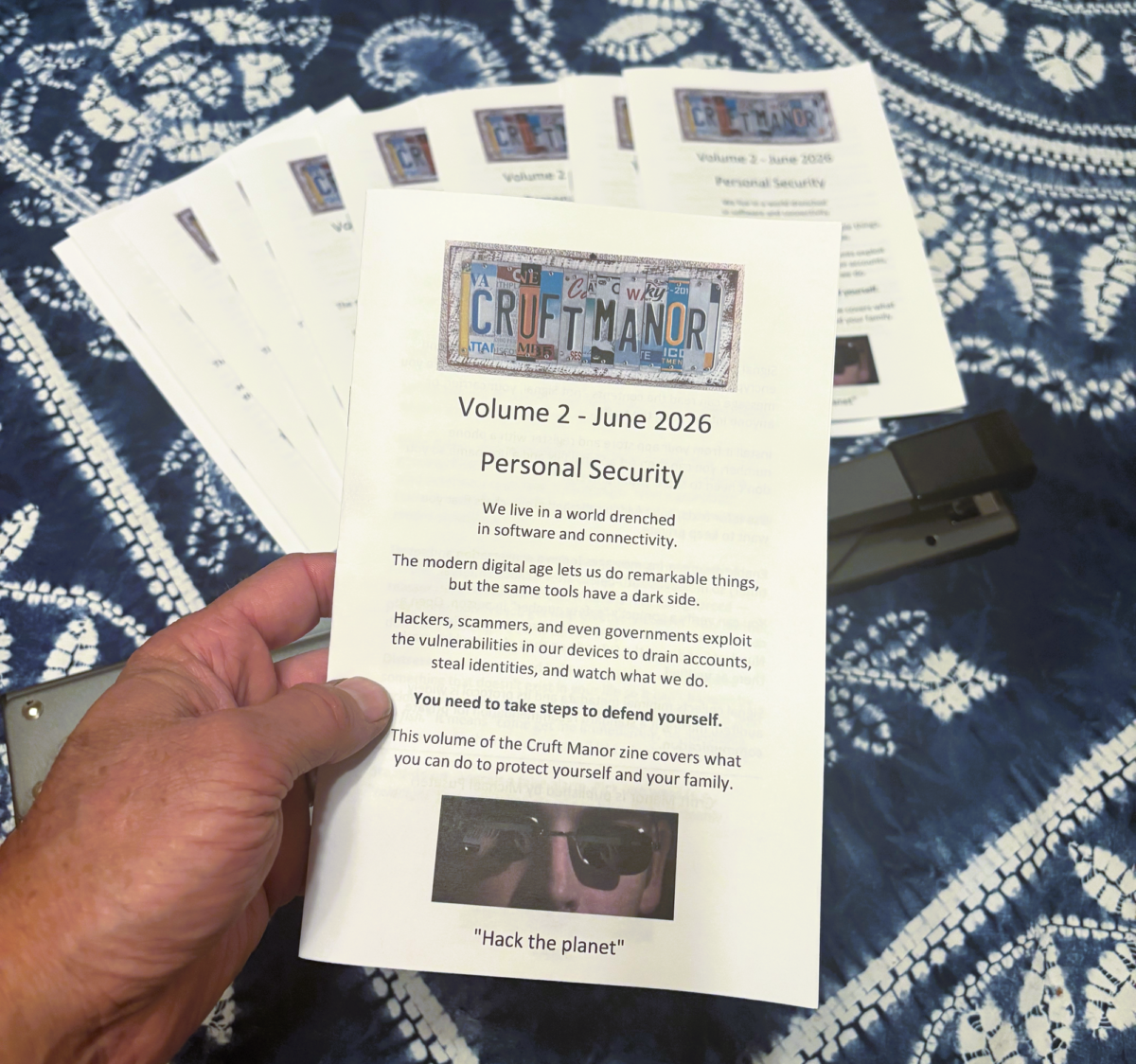
Last week I printed a small booklet, folded it, stapled it, and mailed copies to friends and family. I used my sweet Dungeons & Dragons stamps!
Eight pages, in color. It’s the second volume of our Cruft Manor zine, and this time the subject is personal security.
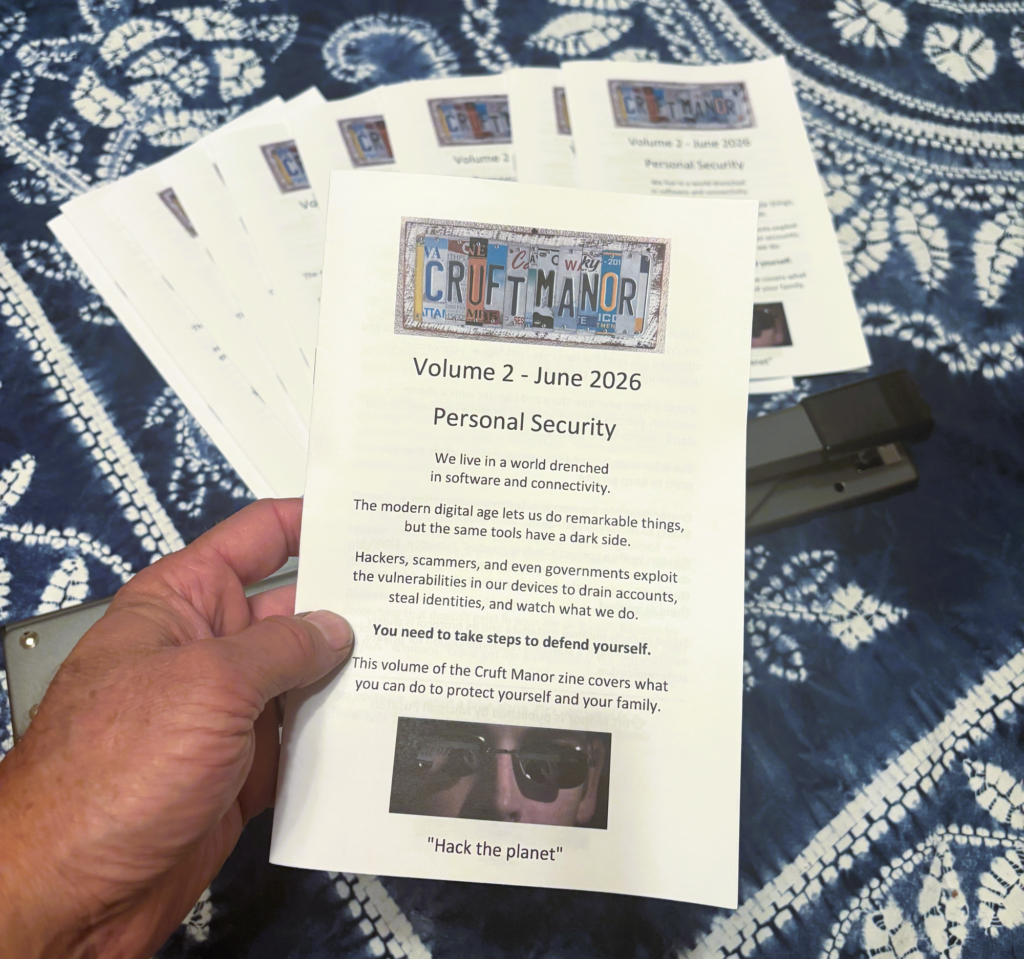
Last Christmas, Michele and I made a zine to send out to family and friends. We loved doing it.
I wanted to make another zine to scratch that itch. As a topic, I decided on personal security because I kept having the same conversations with family, friends, and neighbors who don’t live in the technology world.
Someone calls because a text said their package could not be delivered and they are not sure if it is real. Someone forwards an email asking whether Facebook really locked their account. Someone wants to know if they should click the link.
These are not foolish people. They are living in a world that has quietly become hostile to anyone who is not paying close attention to how their devices work.
Most security advice is written for people who already care about security. It lives in long articles, on Reddit, and in videos that assume you know what a DNS record is. That is fine for the tech-savvy. It does nothing for the people I worry about, who are never going to spend an afternoon reading about end-to-end encryption or quantum-resistant cryptography.
A zine solves a problem that a blog post does not. It exists in the real world. You can hand it to someone. You can read the whole thing in the time it takes to drink a coffee. And because it is a physical object, it sits on the kitchen counter instead of disappearing into a browser tab you meant to come back to.
Vol. 2 covers what comes up most:
- Spotting scams, and the one rule that catches most of them: urgency plus a link
- Code words a family can agree on to signal trouble quietly
- Signal, and why to use it for anything you want kept private
- How a VPN works, and what it does and does not protect
- Locking your phone so a face or a fingerprint cannot open it for you
- Keeping your software updated, including the actual commands for Windows, Mac, and Linux
I tried to make it fun and easy to read. I didn’t want it to feel like homework. Security is important, but nobody wants to spend their Saturday studying it.
The goal is not to turn anyone into a security expert. It is to move a few people from “I have no idea” to “I know the basics,” which is most of the protection most people will ever need.
If you want a copy, the PDF is here.
You can print it yourself (print on both sides, flip on the short edge), and share it with your friends and family.
If it helps one person avoid one scam, one phishing link, or one bad decision made in a moment of panic, it was worth the postage.