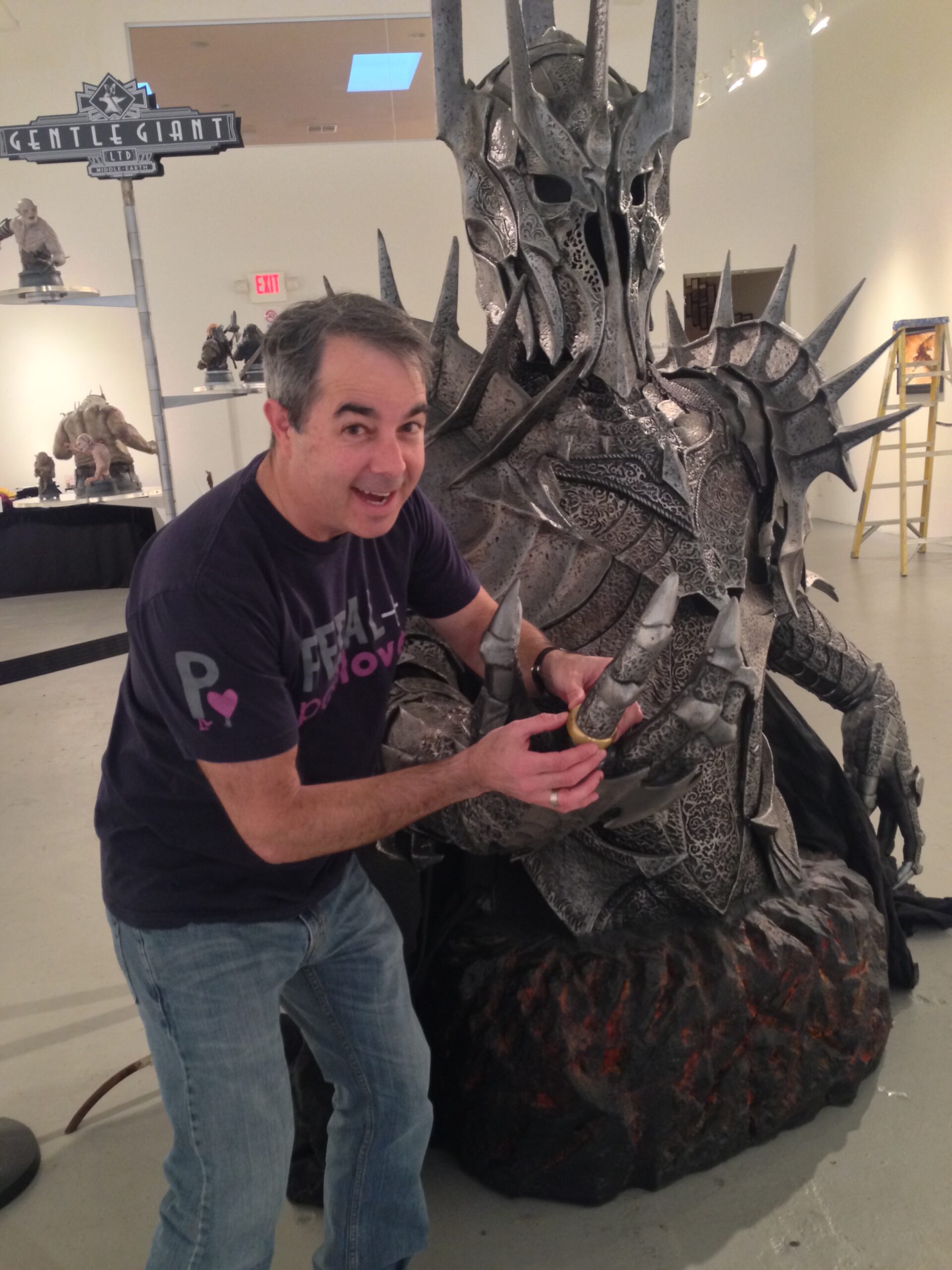
I’d reached the point where reaching for my phone first thing in the morning felt obviously bad and I just couldn’t stop. The scroll wasn’t even rewarding anymore, it was a reflex. I wanted a different default.
You can’t doomscroll a piece of paper.
We still read a physical newspaper in the morning, because I’m old and old habits die hard. Newspapers are great for reading deeply and discovering things outside your algorithmic bubble, but they’re terrible at surfacing the specific information you actually care about day-to-day.
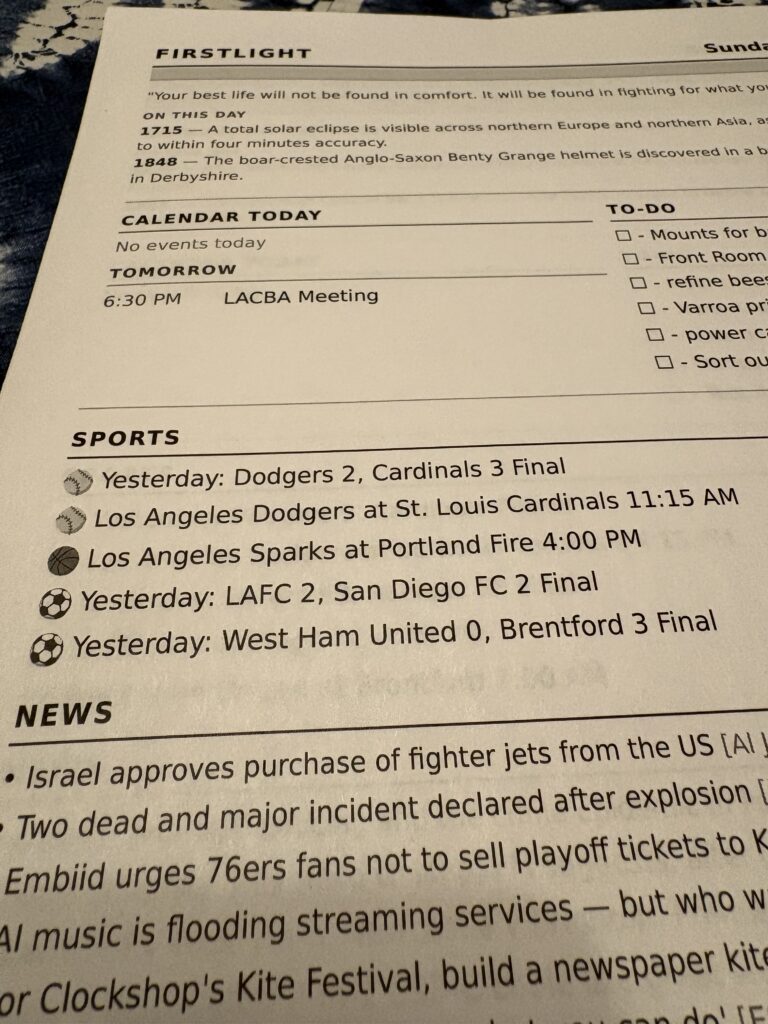
I built a small app called Firstlight. Every morning, before I wake up, it prints a single page of the stuff I actually want to know: the weather, what’s on my calendar, last night’s scores, a few news headlines, and my to-do list.
With a piece of paper I can make notes or check things off my todo later in the day.
A printed page is a nice default.
It doesn’t notify me. There are no pop-ups. It’s the information I chose.
It also turns out to be the right amount of information. No one needs the entire internet hitting them at 6AM.
The page reflects what I want to see each morning, and the code is simple enough to adapt to your own preferences.
Here’s what’s on mine:
Weather – today’s forecast, hourly breakdown, air quality, and a heads-up about rain in the next few days
Calendar – today’s events from Google Calendar
Sports – last night’s scores and today’s game times from teams I follow across MLB, NFL, NHL, WNBA, NBA, NWSL, MLS, and the Premier League
News – headlines from a handful of RSS feeds I picked
To-dos – a short list you can manage in the web UI or point to a text file somewhere
Daily – A quote and an “on this day in history” entry, for fun
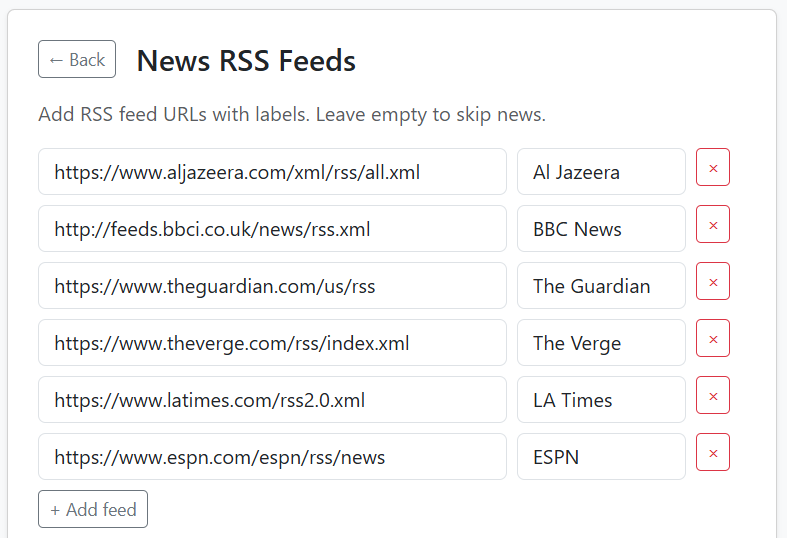
Everything sources from free APIs that don’t require an account: Open-Meteo for weather, ESPN for sports, ZenQuotes, Wikipedia, plain RSS. Google Calendar is the one optional integration that needs OAuth, and you can skip it entirely.
Firstlight runs in Docker on whatever always-on machine you have lying around — a NAS, a home server, a Raspberry Pi. In my case it’s a QNAP NAS. Once a day, a scheduler inside the container fetches everything, renders a single-page PDF, and sends it directly to my network printer over IPP. No drivers, no cron, no external services.
There’s a web UI for previewing the digest, managing to-dos, browsing past digests, and reprinting on demand.
Setup is a 10-step wizard in the browser. The only one with any real friction is adding Google Calendar, because Google’s OAuth process can be confusing.
Worth mentioning: I wrote essentially none of this code by hand. The whole project was built using Claude Code with the Superpowers plugin, which adds structured workflows for brainstorming, planning, TDD, and debugging. The original design spec and implementation plan are checked into docs/superpowers/ if you want to see how the sausage was made.
I mention this not as a flex but because I think it matters. This is the kind of project: small, personal, self-hosted, with no users to impress, that scratches a personal itch, that’s now genuinely easy to build. A few years ago I could have never built this myself.
It’s built for people comfortable running self-hosted things. You need to be okay with Docker, a terminal, and a config file. The wizard handles the actual setup, but if something breaks, a modern LLM coding assistant is surprisingly good at helping diagnose any issue.
Source is at github.com/cruftbox/firstlight.
The README walks through deployment for both generic Docker hosts and QNAP specifically.
If your phone has stopped feeling rewarding in the morning and you’ve got an always-on machine somewhere, give firstlight a try.