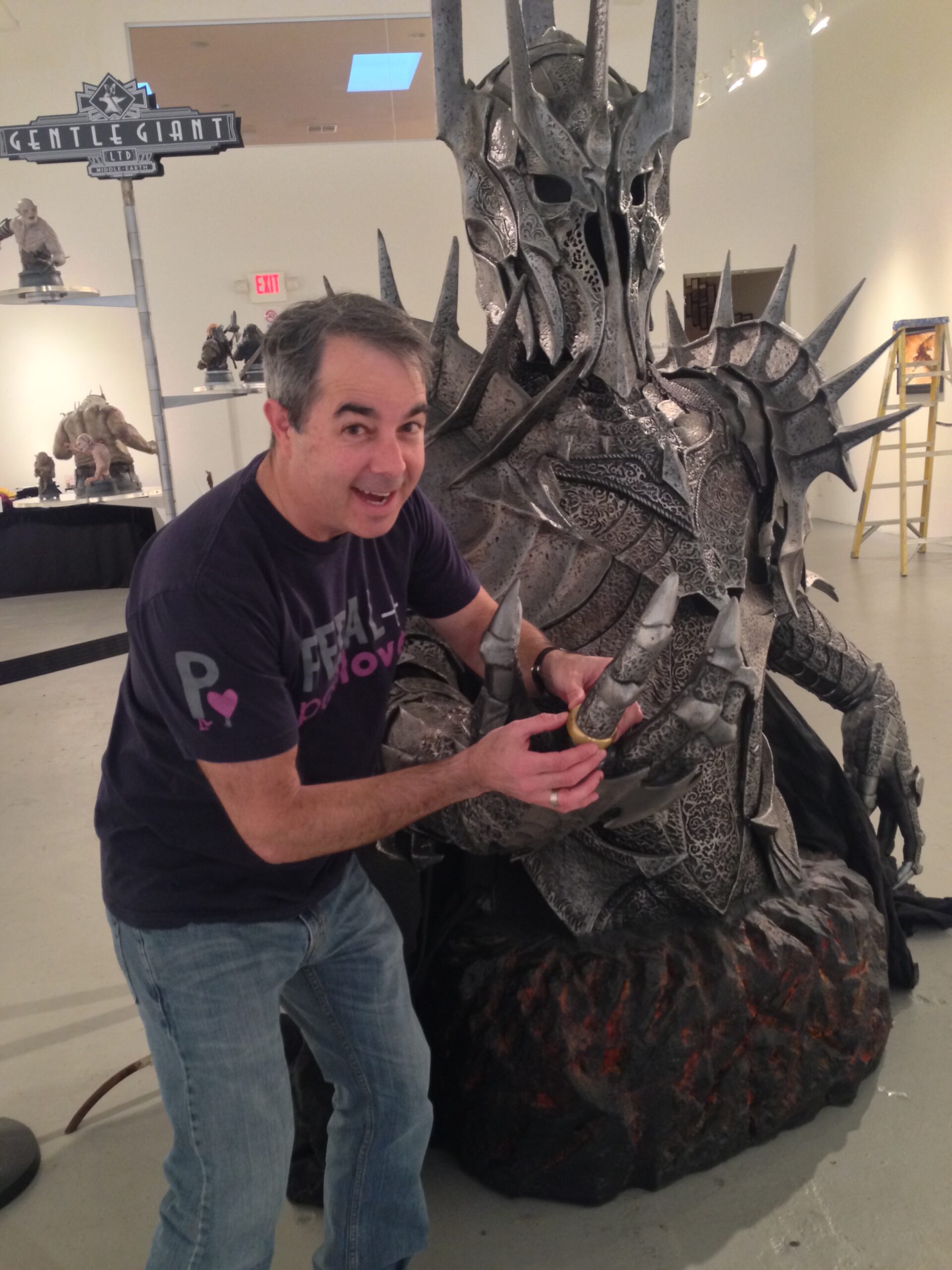
I’ve been trying to be more consistent with alt text, but let’s be honest, writing it manually can be a chore.
Most AI chatbots do a good job of generating the alt text for me if I give them an image. They often catch details I overlook and add in information that I, as a human, would typically leave out.
To make it simpler, I wanted to right-click any image to automate getting AI-generated alt text.
It took about 15 minutes to build.
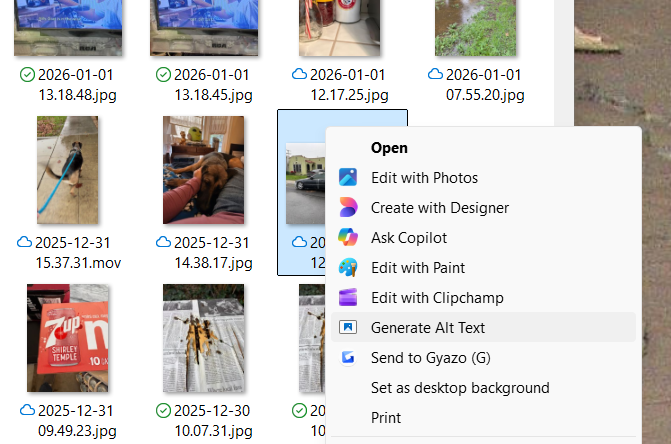
I used Claude Code to make a small Python script to send the image to the Claude API and return the result to a local web page to copy the text easily.
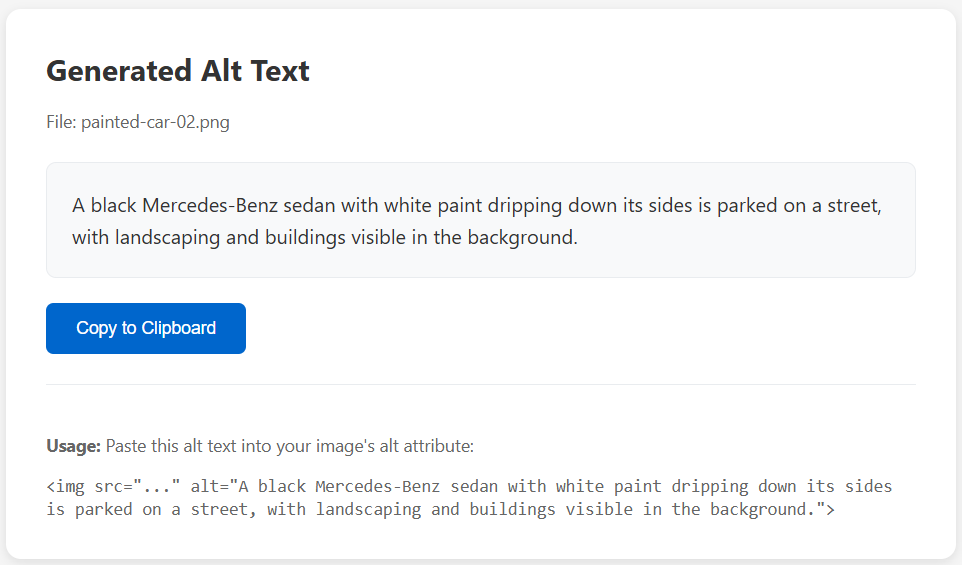
It was strikingly simple to do this. The script operates on Windows 11 using the Claude API.
To use it, you need to run Python, a few dependencies, and make a few registry edits to add the right-click menu option. Claude Code did this for me directly, but it can be done manually.
I had Claude Code create a GitHub package with documentation and uploaded it here: https://github.com/cruftbox/image-alt-text
If you are using MacOS or another LLM, it shouldn’t be hard to modify it to work with your preferred setup.
This kind of ‘vibe coding’ feels great to scratch my own itch with ideas that are idiosyncratic to me.